
Start with something you like
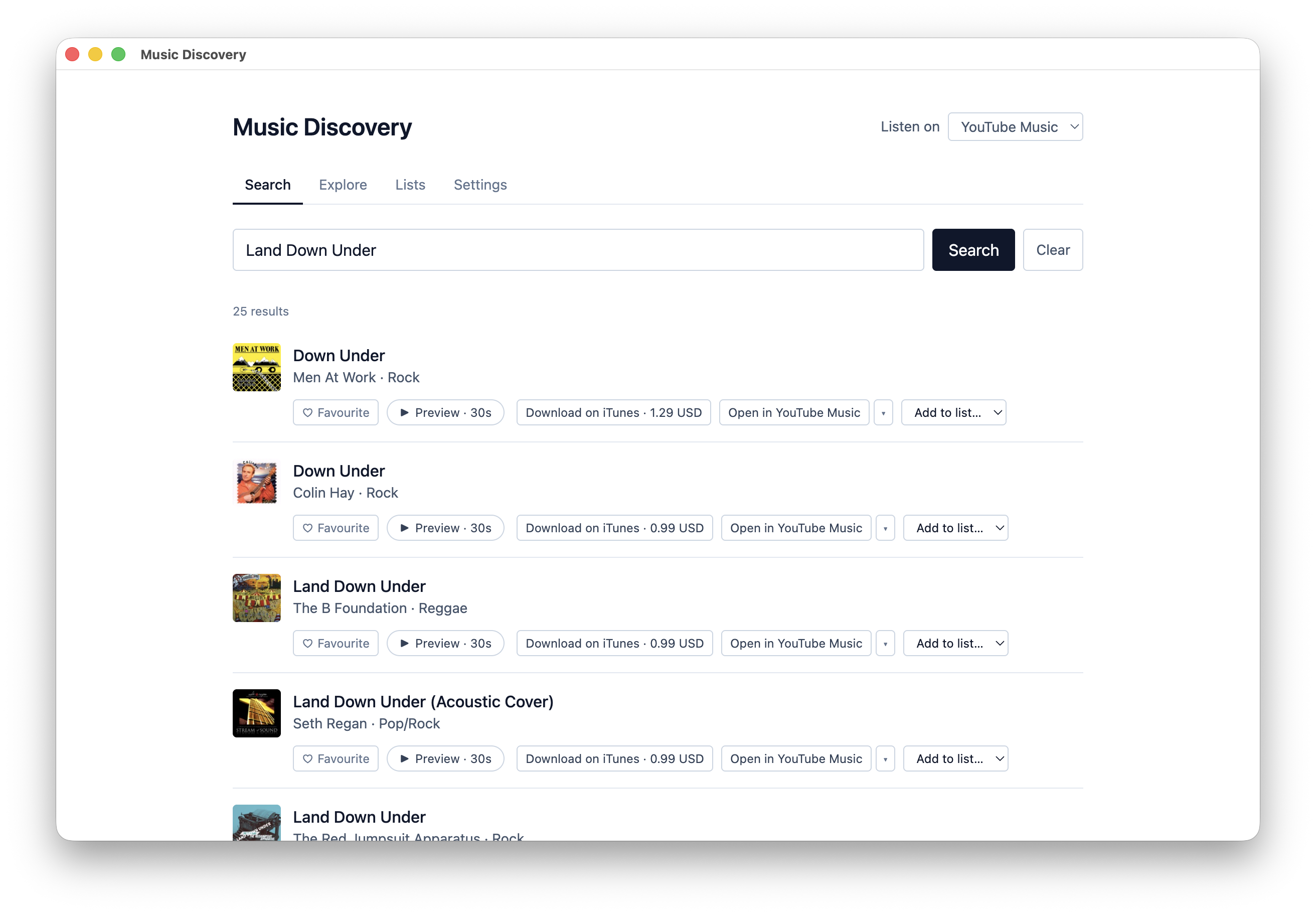
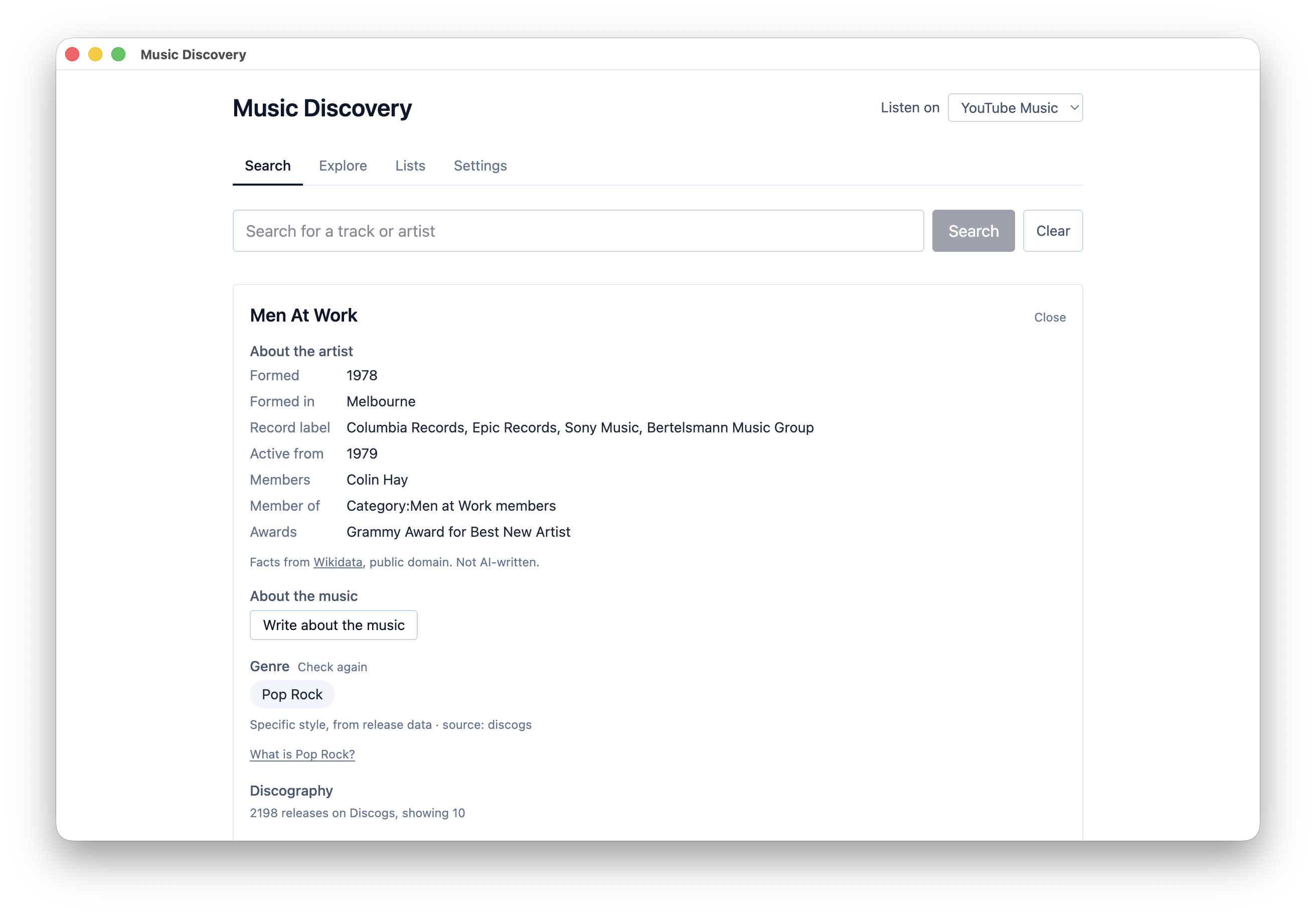
Search a track or artist and see where it sits, with the source of its genre.
A macOS app for following a thread from one artist to the next, keeping what you find in lists, and listening in whatever service you already use.
Members only · Included with the $49 annual membership
Available to download while your membership is active · Not sold separately · macOS, Intel and Apple Silicon
It is not a music player. What it does is the part that comes before, working out what to listen to next, then handing you over to Spotify or Tidal or YouTube or wherever you already listen.
Search a track or artist and see where it sits, with the source of its genre.
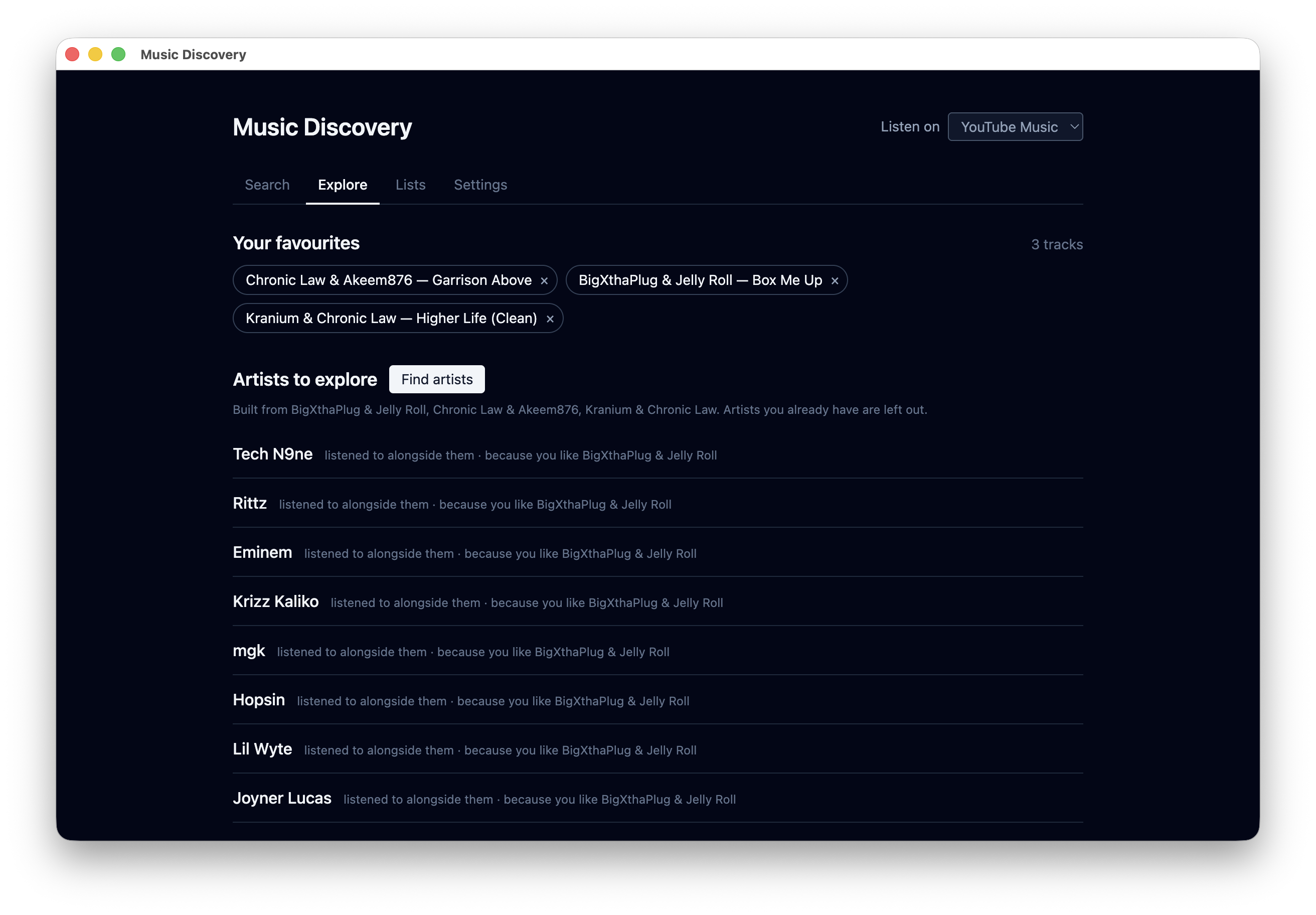
Similar artists come from listeners and shared labels, each with its reason.
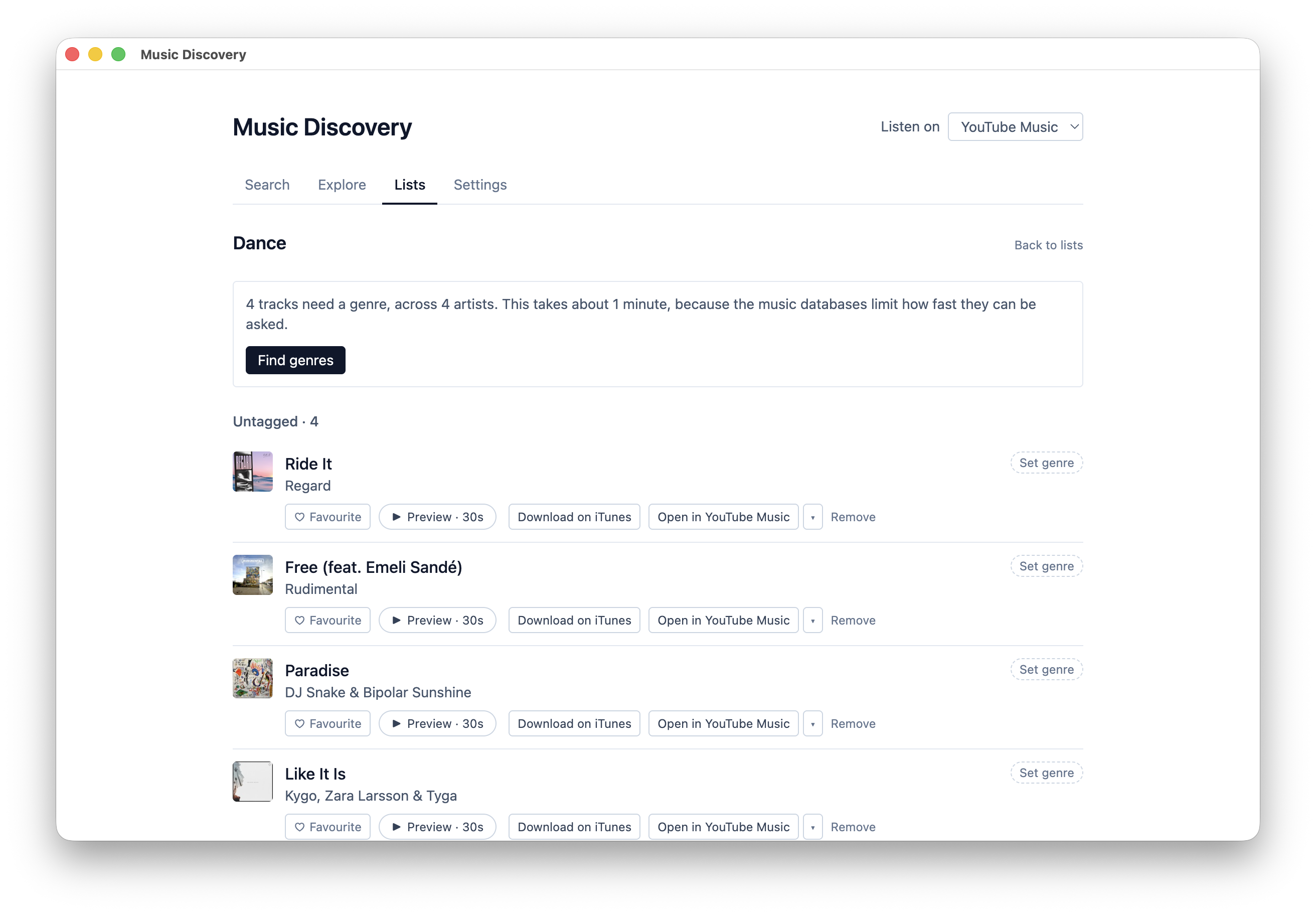
Save tracks into lists, correct genre tags and export when you want them elsewhere.
Real screens from the app. Select any screenshot to enlarge it.
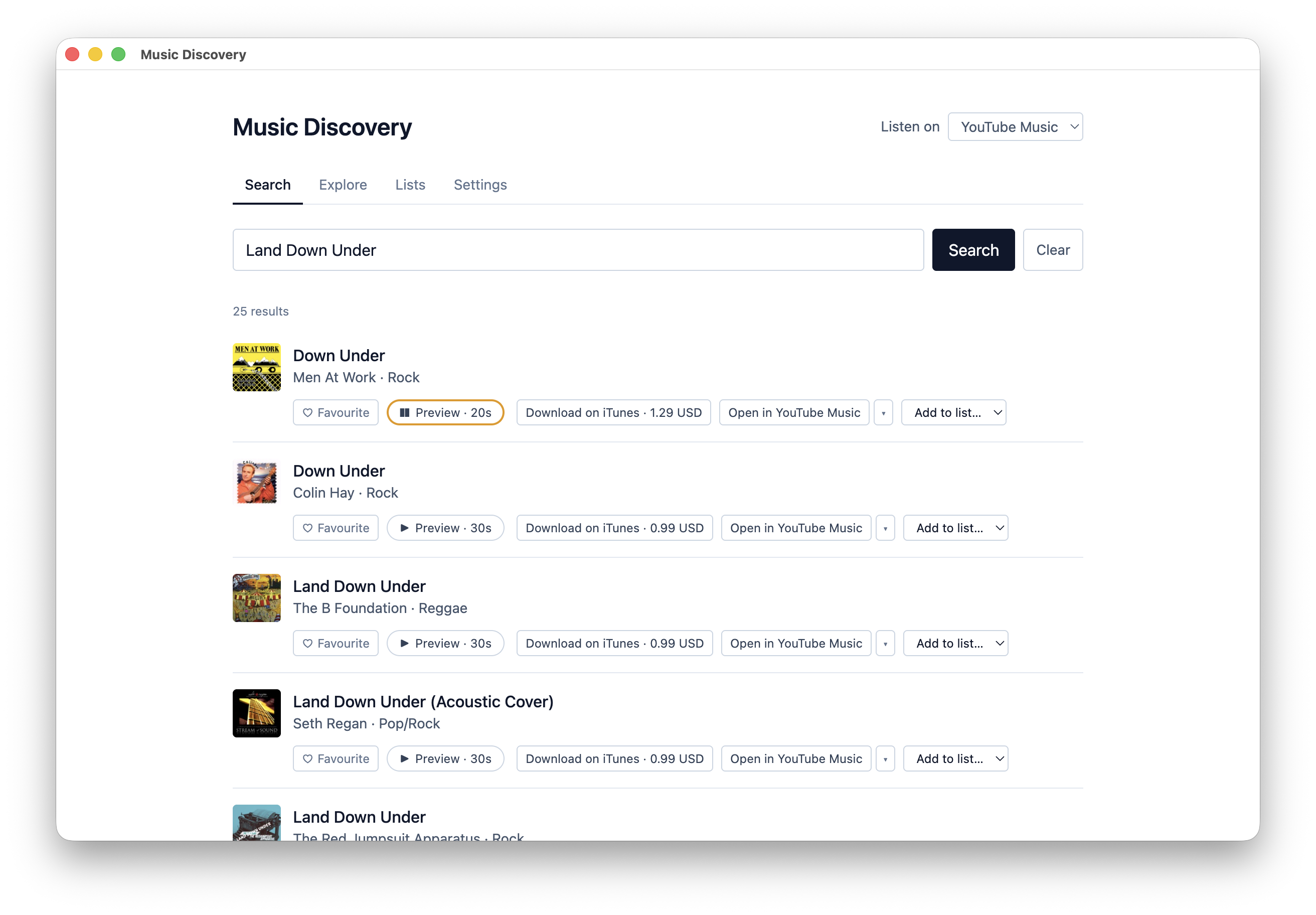
Search results include 30-second previews, iTunes purchase links and a button to open the track in your streaming service.
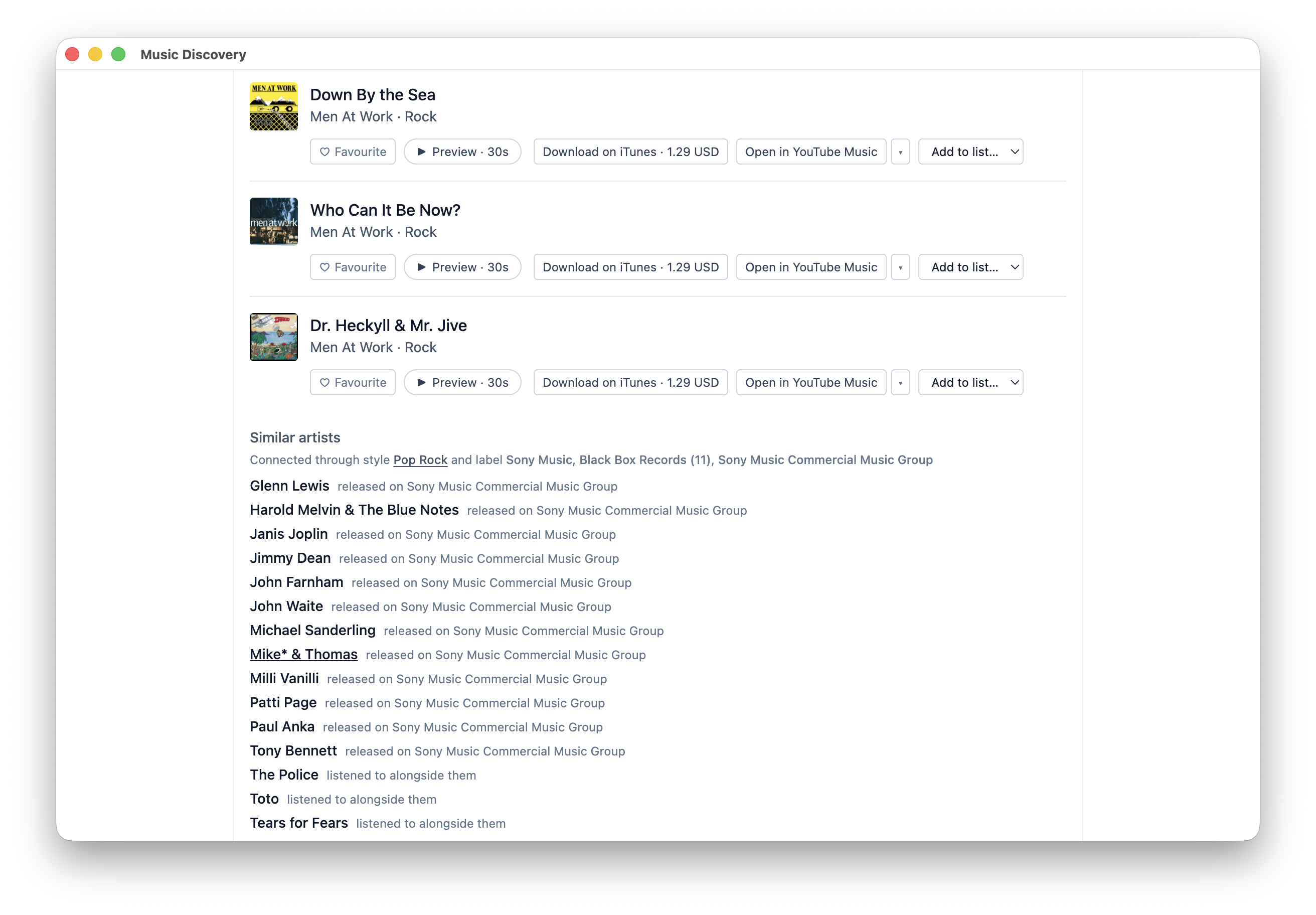
Similar artists come from shared record labels and from what listeners play together, each labelled with its source.
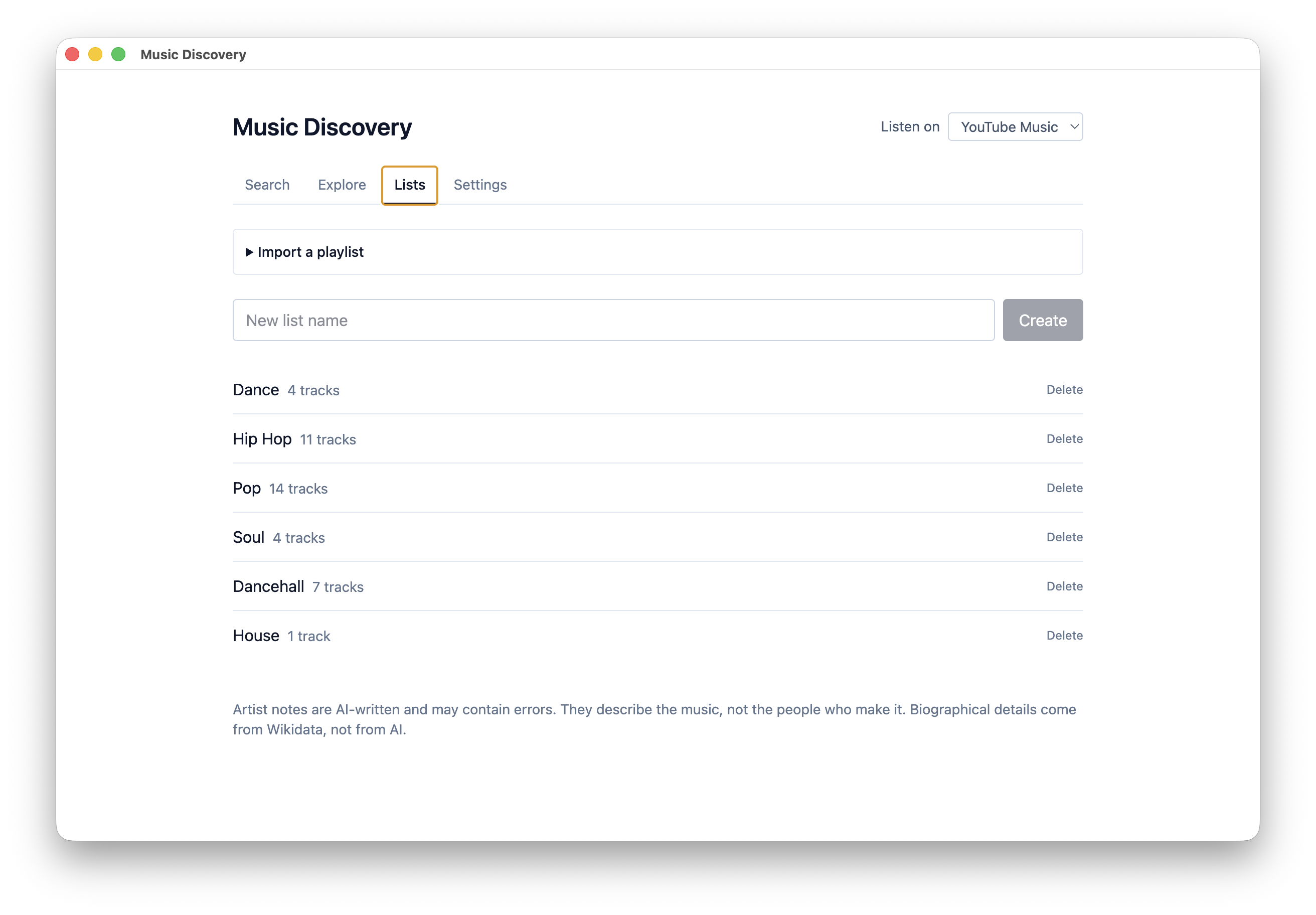
Organise discoveries into lists by genre, with playlist import and track counts.
Included with the $49 annual membership · Members only
The complete feature list, how the app treats its data, and answers to common questions. Open any heading for the full answer.
Every artist has an About the artist panel built from Wikidata: where they are from, when they started, which labels they have released on, who is in the band. Those are retrieved facts, shown as retrieved, with the source linked. Nothing on that panel is written by AI.
AI notes are separate and optional, and they describe the music rather than the person: how it is produced, what to listen for, where the style came from. Every artist name the model produces is checked against a real music database before you see it, and where there is not enough to go on the app says so instead of guessing.
Music data is uneven. Well-documented artists have plenty, newer and independent artists sometimes have almost nothing, and a few have no entry anywhere. Where that happens, you get told rather than shown a confident blank.
Sources are rate limited too, so working through a long imported playlist takes a few minutes. There is a progress indicator, and an estimate before you start.
No. Apple's 30-second previews are all that plays in the app, and full listening happens in your own streaming service under your own login.
No. Previews and purchase links work without one, and YouTube is among the services it links out to. If you do pay for Spotify or Tidal or Amazon Music, set that as your default and the links go there instead.
No. Music data comes from Discogs, ListenBrainz, Wikidata and the iTunes Search API, and none of them need an account or an API key.
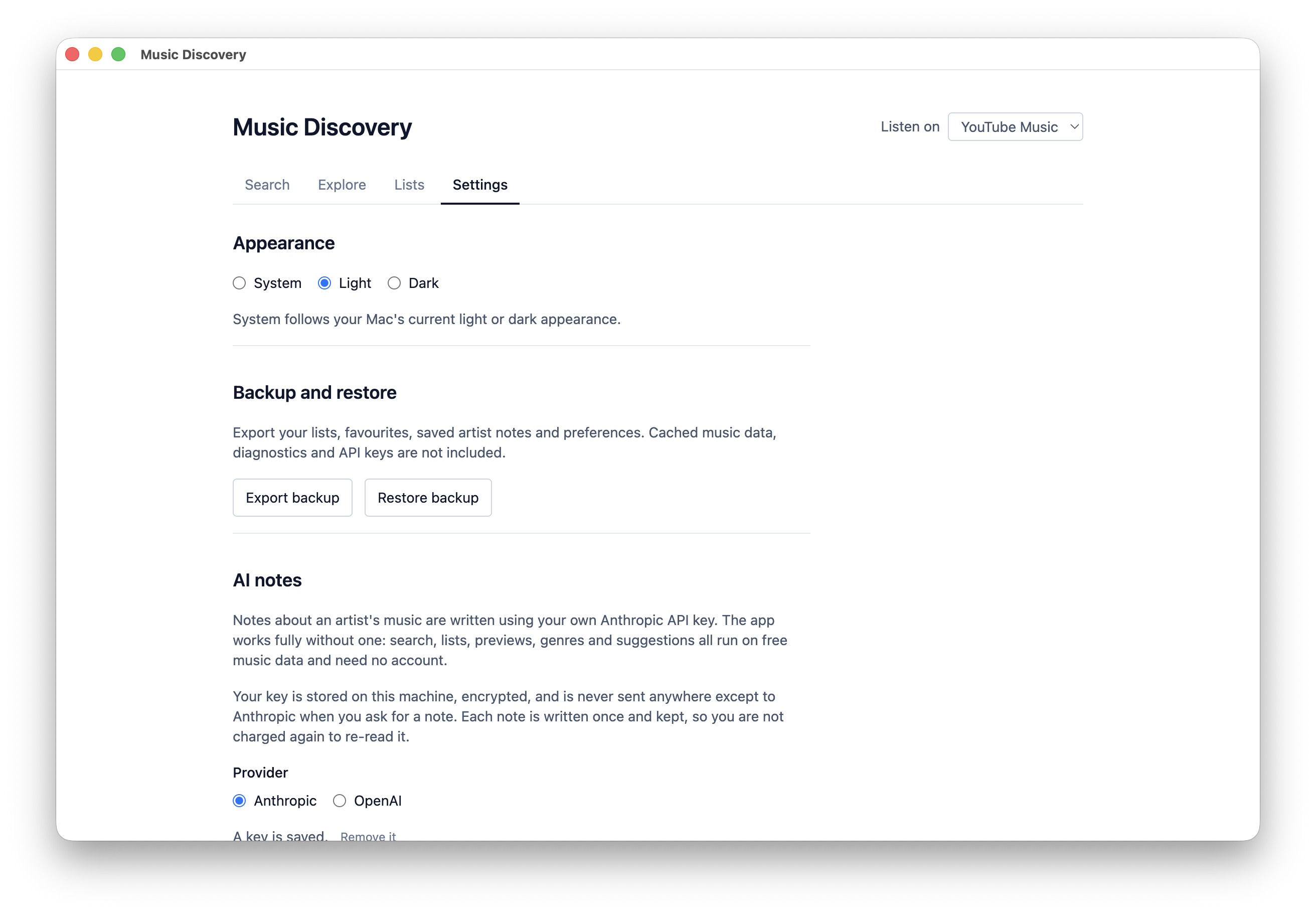
No, everything works without a key. AI notes are an extra, using your own Anthropic or OpenAI key, and the artist facts are not AI at all.
No, it is only available with the membership.
Updates are included while your membership is active. You can see the full list of changes on the changelog page.
Release notes are on the changelog page. Everything else about membership is on the membership page.
Members only · Included with the $49 annual membership · Updates included while your membership is active
