
Three at a time
A daily selection drawn from across your subscriptions, with no backlog.
3 articles at a time, rotated daily across your interests. No infinite scroll, no unread counts, no inbox pressure. Works fully offline — AI features are optional.
$15 USD · One-time purchase · Future updates included
14-day money-back guarantee · macOS 12 or later, Intel and Apple Silicon · Optional AI features need your own API key
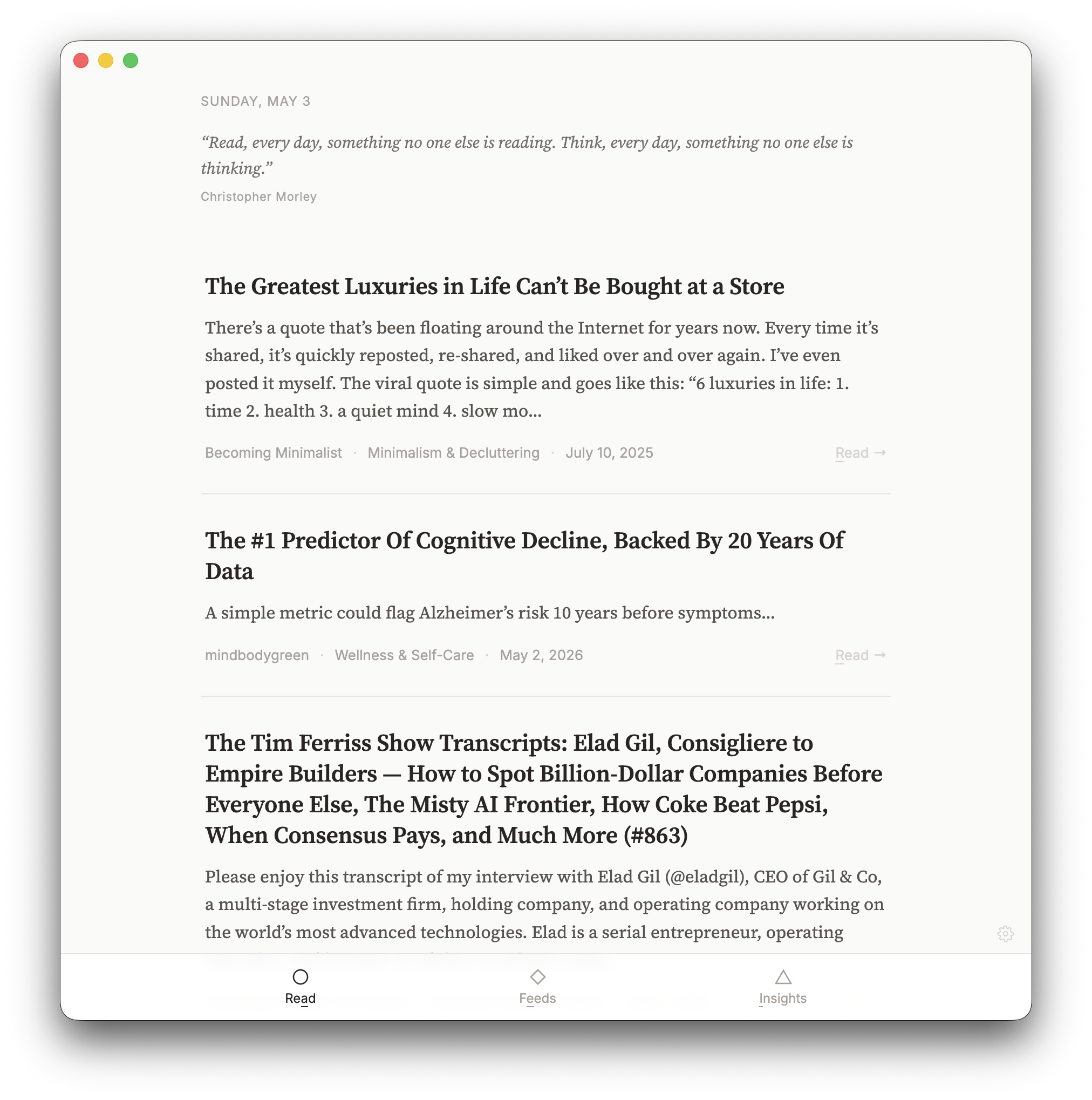
Read three worthwhile articles at a time, notice which feeds add something to your day, and leave the endless unread count behind.
A daily selection drawn from across your subscriptions, with no backlog.
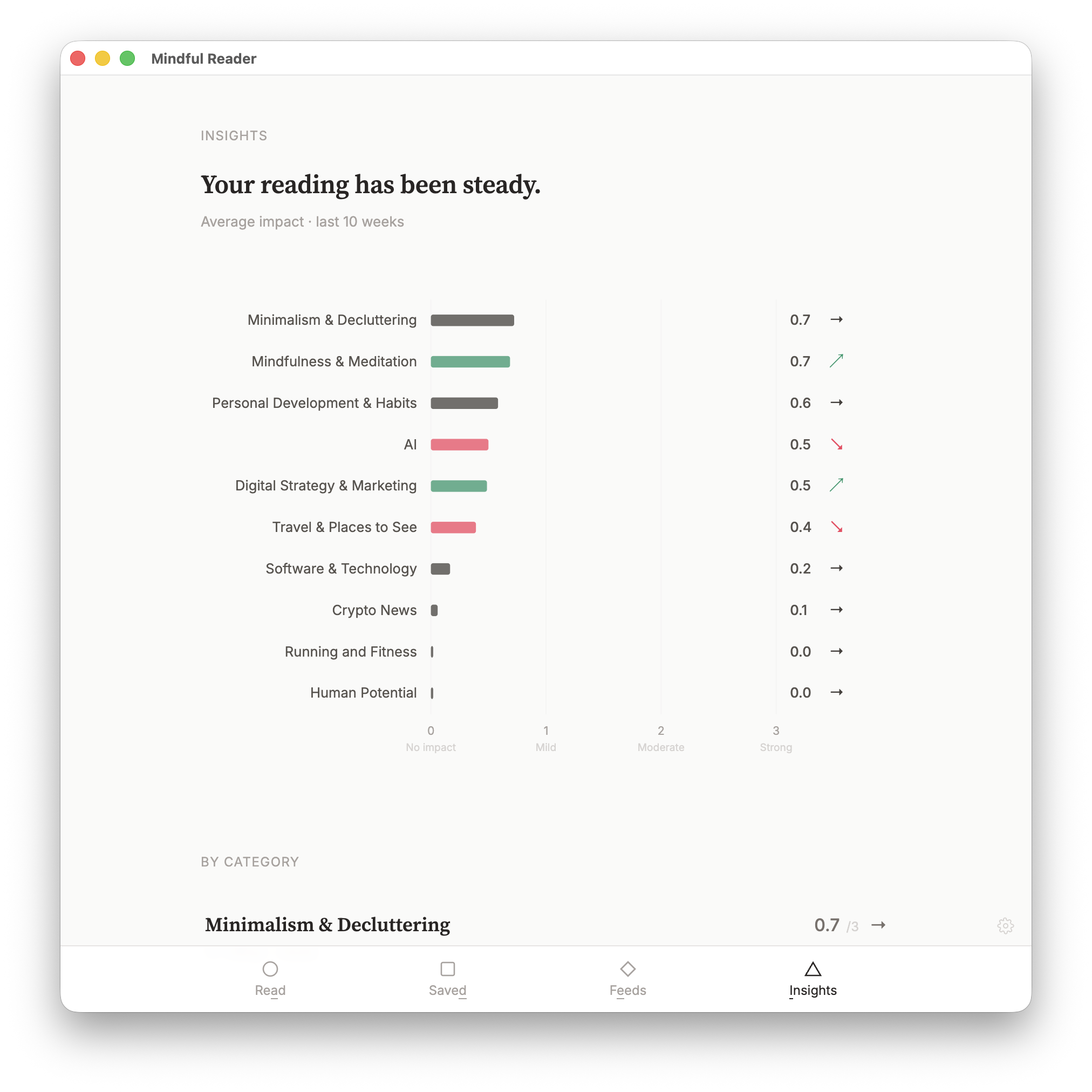
Impact ratings and feed health nudges show which subscriptions are worth keeping.
Everything runs on your Mac. AI summaries use your own key and are optional.
Real screens from the app. Select any screenshot to enlarge it.
Each day you get 3 articles drawn from across your subscriptions, with "Show more" if you want another 3.
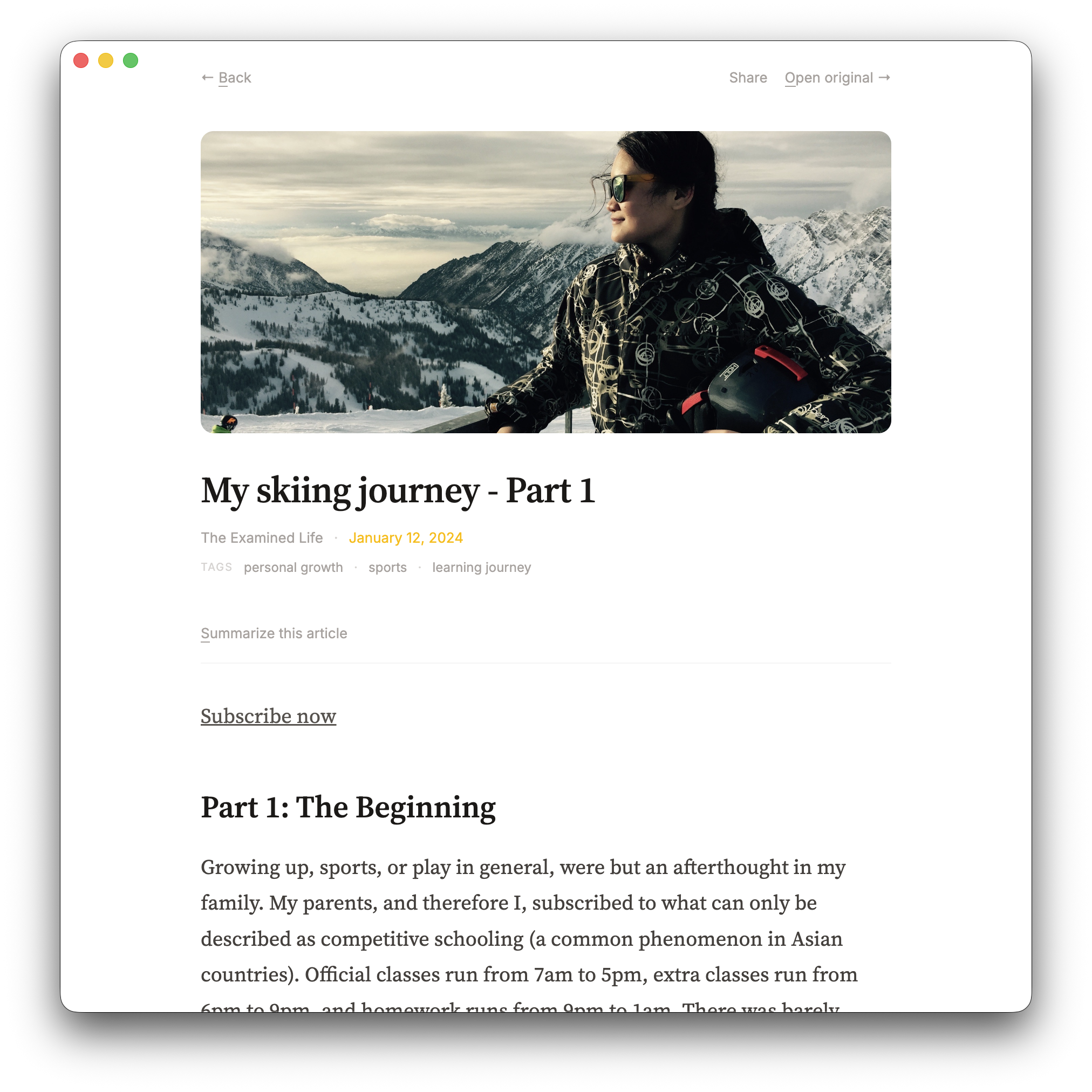
Read the full article with an optional AI summary using your own key. Every core feature works without AI.
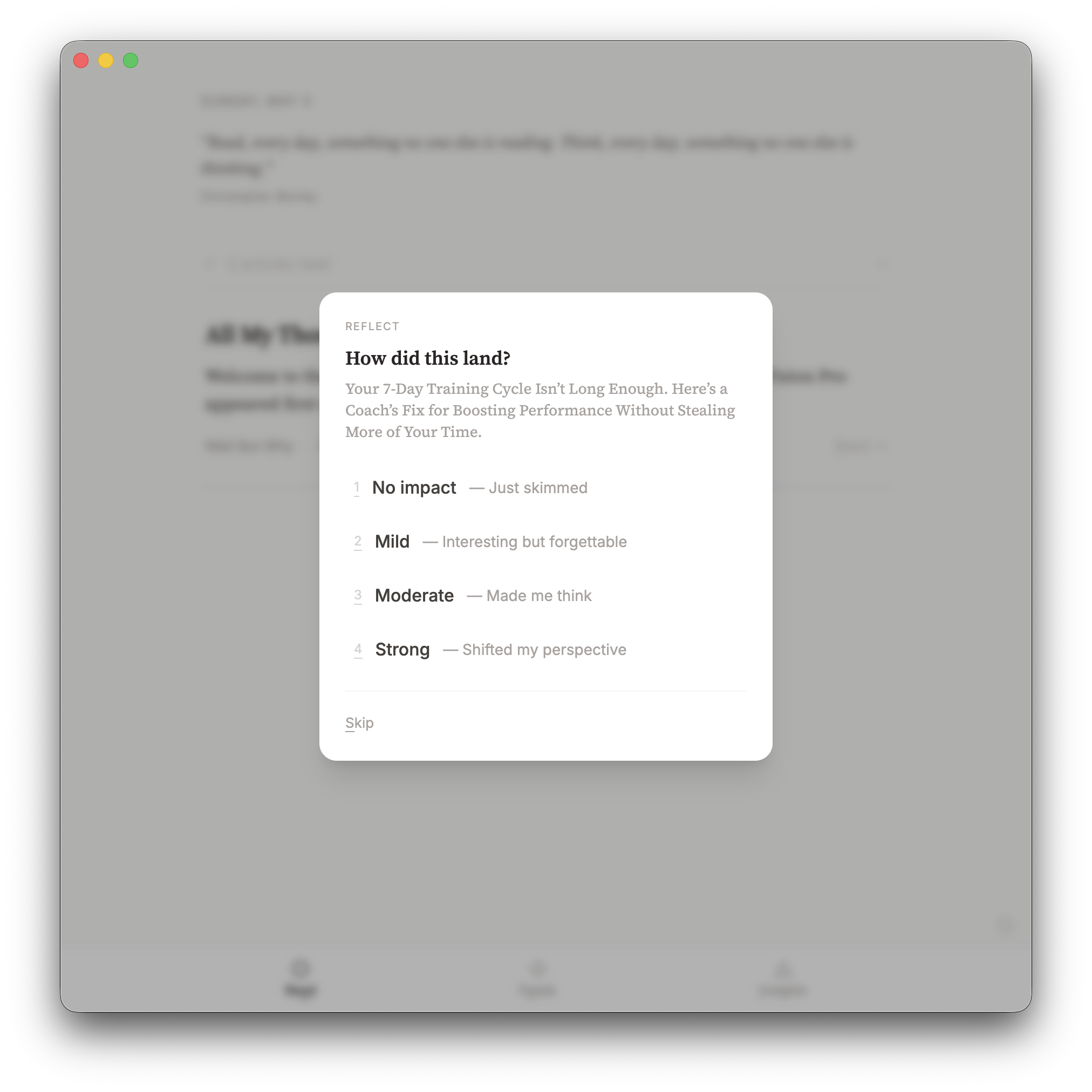
Rate each article's impact from None to Strong. Over time the ratings show which feeds are worth keeping.
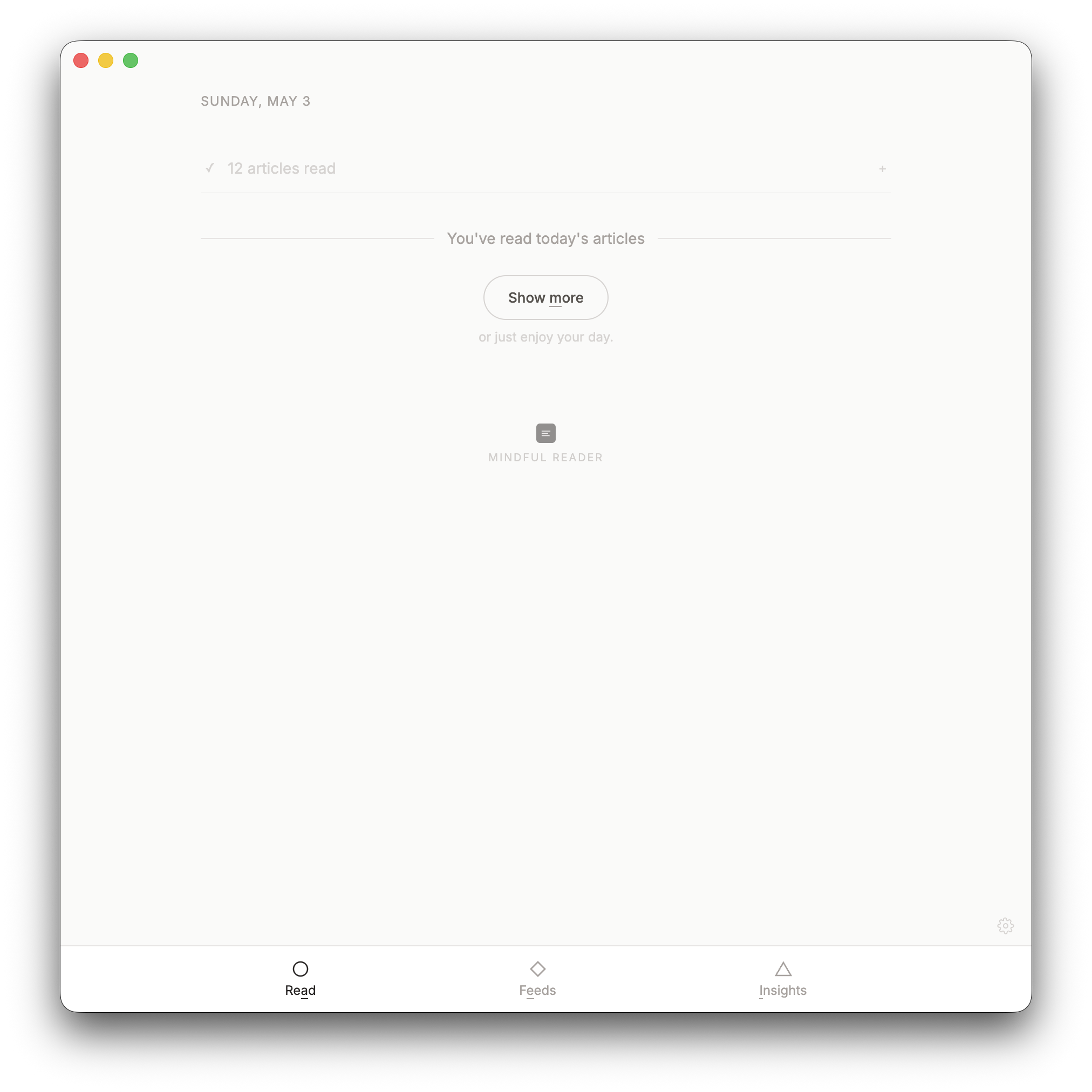
14-day money-back guarantee · Future updates included
The full feature list, who the app suits, setup steps, guides to impact ratings, feed health and the daily selection, tips and shortcuts, and answers to common questions. Open any heading for the full answer.
First time installing one of these apps? The Installing an app guide walks through downloading it from your Gumroad Library and installing it on your Mac.
After you open an article to read, you'll be asked to rate its impact. The rating is about whether the article was worth your attention rather than whether you enjoyed it, so it helps to ask yourself whether it taught you something, changed how you think, or gave you something you can use.
Ratings of 0 or 1 count as "low impact". Ratings of 2 or 3 count as "high impact". This distinction drives the feed health system below.
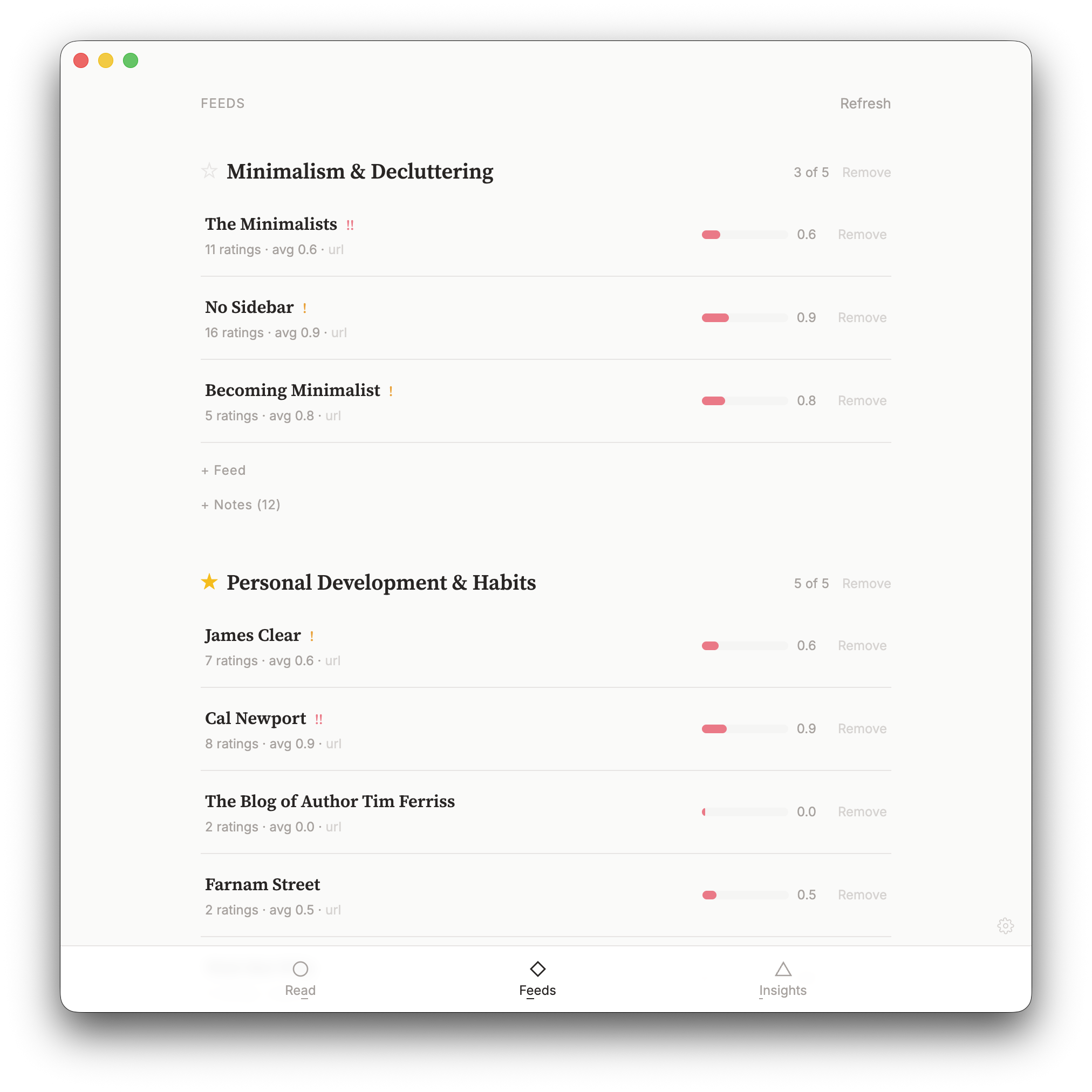
Mindful Reader tracks consecutive low-impact ratings for each feed. When a feed consistently delivers articles you rate as None or Mild, the app will let you know — gently at first, more directly later.
After 3 consecutive low-impact ratings from the same feed, a small indicator appears. It's a nudge to pay attention — this feed might not be serving you well. You can dismiss it and keep reading.
After 5 consecutive low-impact ratings, a stronger prompt suggests unsubscribing. At this point, the pattern is clear — the feed is consistently not worth your time. You can still choose to keep it.
The streak resets the moment you give any article from that feed a rating of Moderate or Strong. One good article is enough to show the feed still has value.
This system means you don't need to manually audit your subscriptions. The ratings you already give naturally surface which feeds deserve your attention and which don't.
Each day, Mindful Reader builds a fresh selection of articles for you. You see 3 at a time, with the option to show more whenever you like. The selection is designed for variety and fairness:
The result: a small, varied selection that rotates across all your feeds over time. Every feed gets its turn, and no feed dominates. Articles you never reach are quietly pruned — there's nothing piling up behind the scenes.
On the Feeds page, tap the star next to a category to mark it as a priority (up to 3). Priority categories get first pick in your daily selection, so the topics you care about most always appear.
In the article reader, action buttons show an underlined letter — that's the keyboard shortcut. Press that key to trigger the action without reaching for the mouse.
Select any text in an article and a prompt appears to save it as a note. Your highlights and typed notes are saved per article and visible in the category notes view.
This is intentional — it prevents any single topic from overwhelming your reading. If you need more, consider splitting into sub-categories.
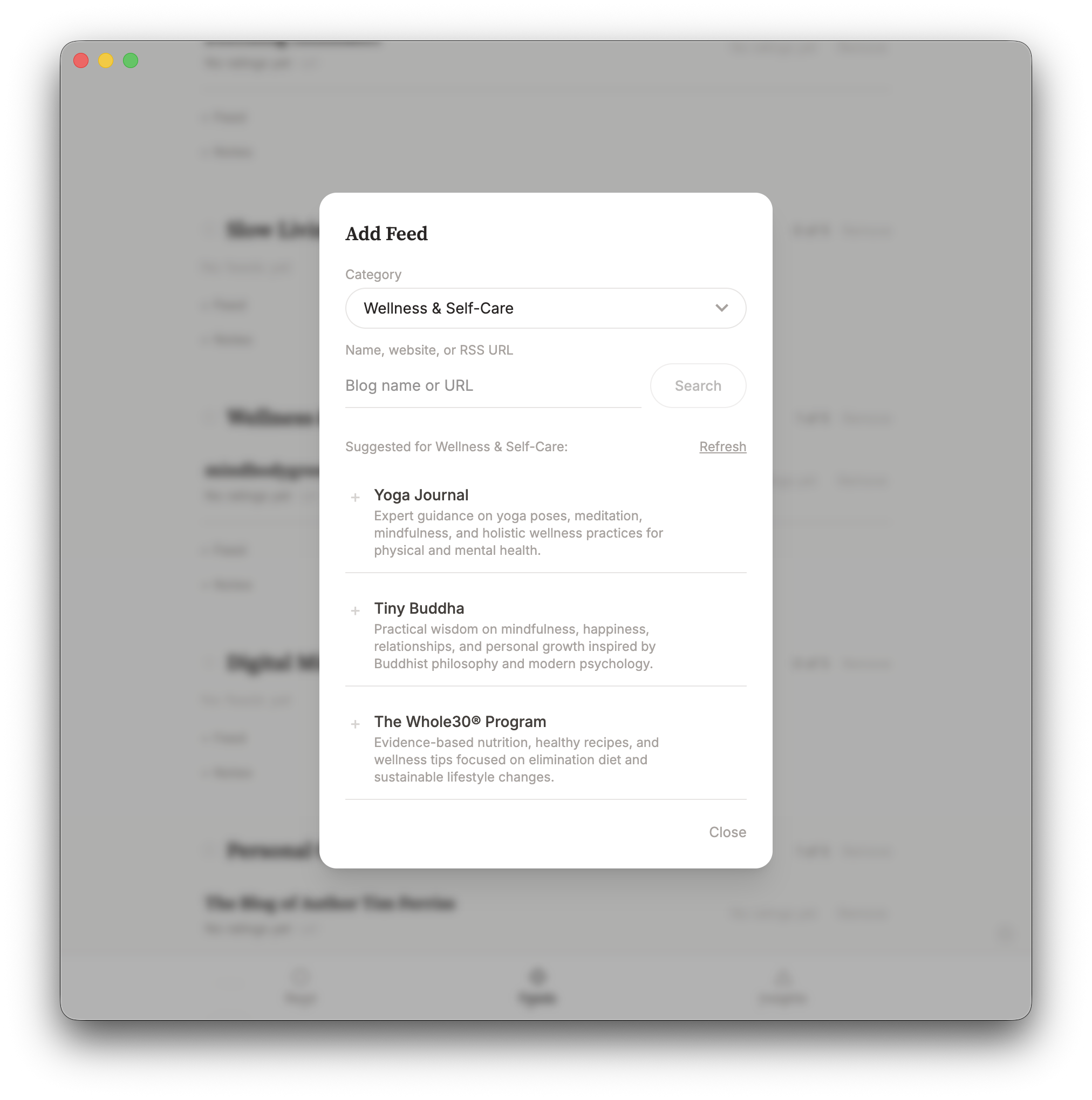
Every core feature works without an API key. AI adds summaries, search-by-name feed discovery, and note interpretation — but the reader, ratings, and feed health system are fully functional without it. You can always add feeds by pasting a URL directly.
Look for the gear icon in the bottom-right of the screen. From there you can configure your AI provider, back up your data, or restore from a previous export.
These work inside the article reader. The matching letter is underlined on each button as a visual hint.
| Key | Action |
|---|---|
| B | Go back to the article list |
| O | Open the original article in your browser |
| S | Summarise the article with AI (or toggle summary view) |
| T | Jump to the note input to type a thought |
| V | Save the article for later (or unsave if already saved) |
| F | Mark as finished reading (triggers impact rating) |
| Space | Auto-scroll: pause/resume · Page-step: advance one screen |
| ← → | Adjust auto-scroll speed |
No. The app works perfectly without AI. You can add feeds manually by URL, rate articles, and get feed health prompts — all without an API key. AI adds optional features: article summaries, feed suggestions when adding new feeds, and smarter category recommendations during onboarding.
No. Everything stays on your Mac — feeds, articles, ratings, and notes. API keys are encrypted at rest on your machine. Article content is sent to your chosen AI provider only when you request a summary.
Yes. The Settings page has a full backup and restore feature. Export your feeds, articles, ratings, notes, and saved articles as a JSON file. Import it on a new machine or after a reinstall. API keys are excluded from backups for security.
Article content from articles read more than 30 days ago is automatically cleaned up to save space. Articles you've saved are excluded from cleanup, so the full text is always there when you revisit. The metadata and your ratings are kept for all articles. Each feed's backlog is also pruned to the 20 most recent articles.
You start with 3, drawn from across your subscriptions. If you want more, tap "Show more" to get another 3. You can keep going as long as there are unshown articles available. The selection refreshes each day with a mix across your categories, and feeds you saw yesterday are rotated out in favour of others.
Any unread articles from today are carried over to tomorrow's selection. After that, they make way for fresh content. There's no backlog to clear — just today's reading.
Currently macOS only (12 or later). A Windows version may follow based on demand.
Yes. Individual app purchases include a 14-day money-back guarantee. Install it, try it, and if it does not suit your needs, email david@tiongcreative.com.au with your order details within 14 days of purchase.
If your purchase is fully refunded and the licence ends, you must stop using the app and delete copies and installers held under that licence. Your own documents and exported work remain yours to keep.
No. Mindful Reader is a one-time purchase. If you choose to use the AI features, you'll need your own API key from Anthropic or OpenAI, which you pay for at your provider's usage rates. Or get every app through the Tiong Creative membership with updates while your membership is active.
Yes. When you buy the app on its own there is no subscription, and future updates to it are included.
Prices are in USD and payment is processed securely by Gumroad. Gumroad may show the price converted to your local currency as a guide, but your card is charged in USD, so your bank may add a small foreign transaction fee.
If you buy the app, every future update to it is included at no extra cost. Members get updates while their membership is active. You can see the full list of changes on the changelog page. To download the latest version, visit your Gumroad Library or use the download link in your original purchase receipt. Open the downloaded DMG and drag the app to your Applications folder. When macOS asks if you want to Replace the existing copy, click Replace — your data and settings are kept automatically.
The panels above cover impact ratings, feed health, your daily reading and keyboard shortcuts. Step-by-step guides, from getting started to books and backups, are in the Mindful Reader help pages. Release notes are on the changelog page. For anything else, email david@tiongcreative.com.au.
$15 USD one-time purchase · 14-day money-back guarantee · Future updates included
I have worked across product management, agency ownership, SaaS support and product enablement, and I am the person behind davidtiong.com. I built Mindful Reader because every RSS app I tried turned into another inbox. I wanted something that gave me a few good articles and then let me get on with my day.
