
Find your Mac app.
Eleven distinct apps for work, ideas and everyday life. Choose a category, then open an app to see its screens and how it works. Buy the one you need outright, or get every app with the $49 USD a year membership.
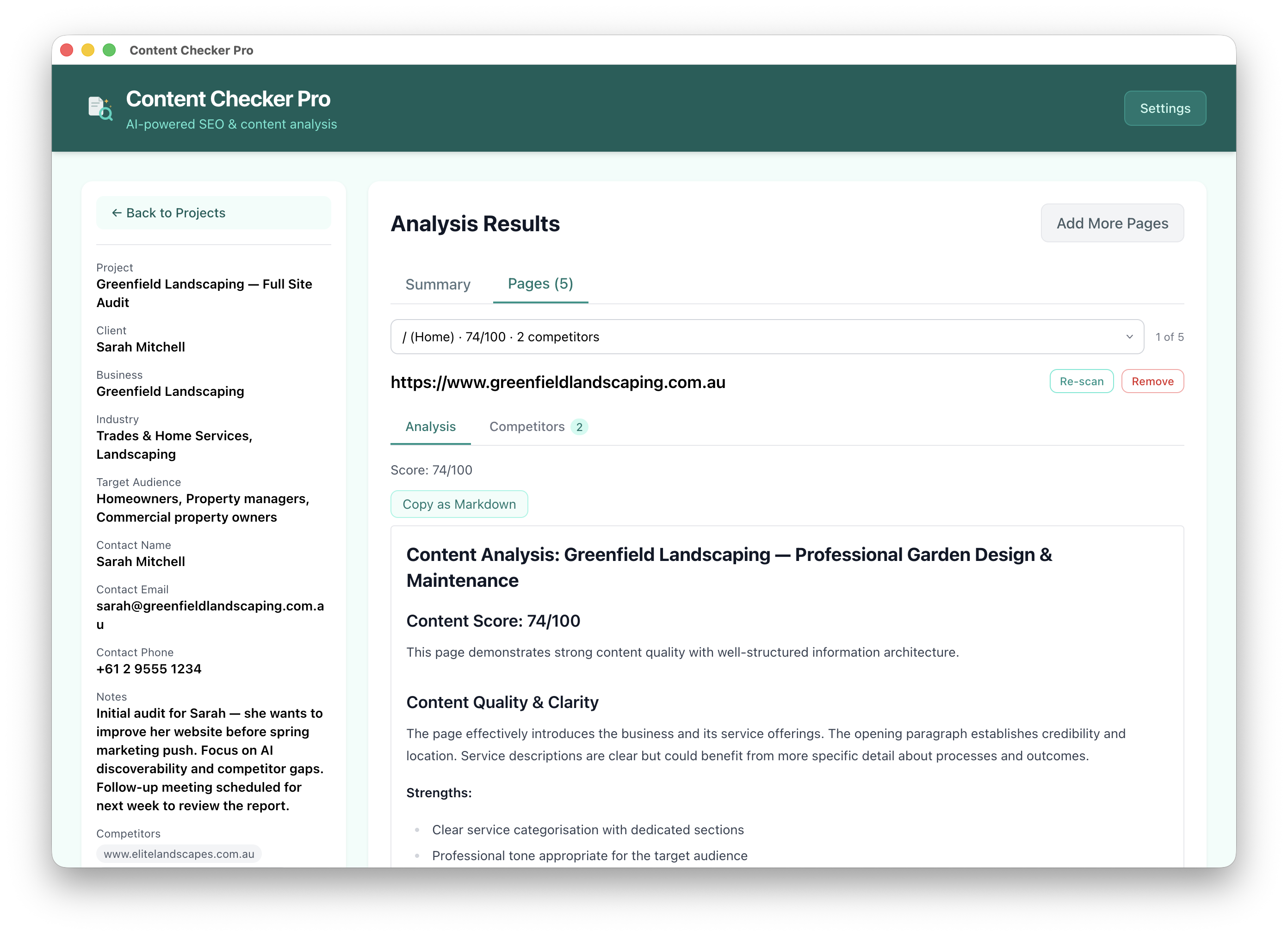 Business & Client Work · $29 USD one-time
Content Checker Pro
Business & Client Work · $29 USD one-time
Content Checker Pro
Score a client's page, benchmark it against competitors, and hand them a branded PDF report. AI-powered content and SEO analysis on your Mac.
Explore app →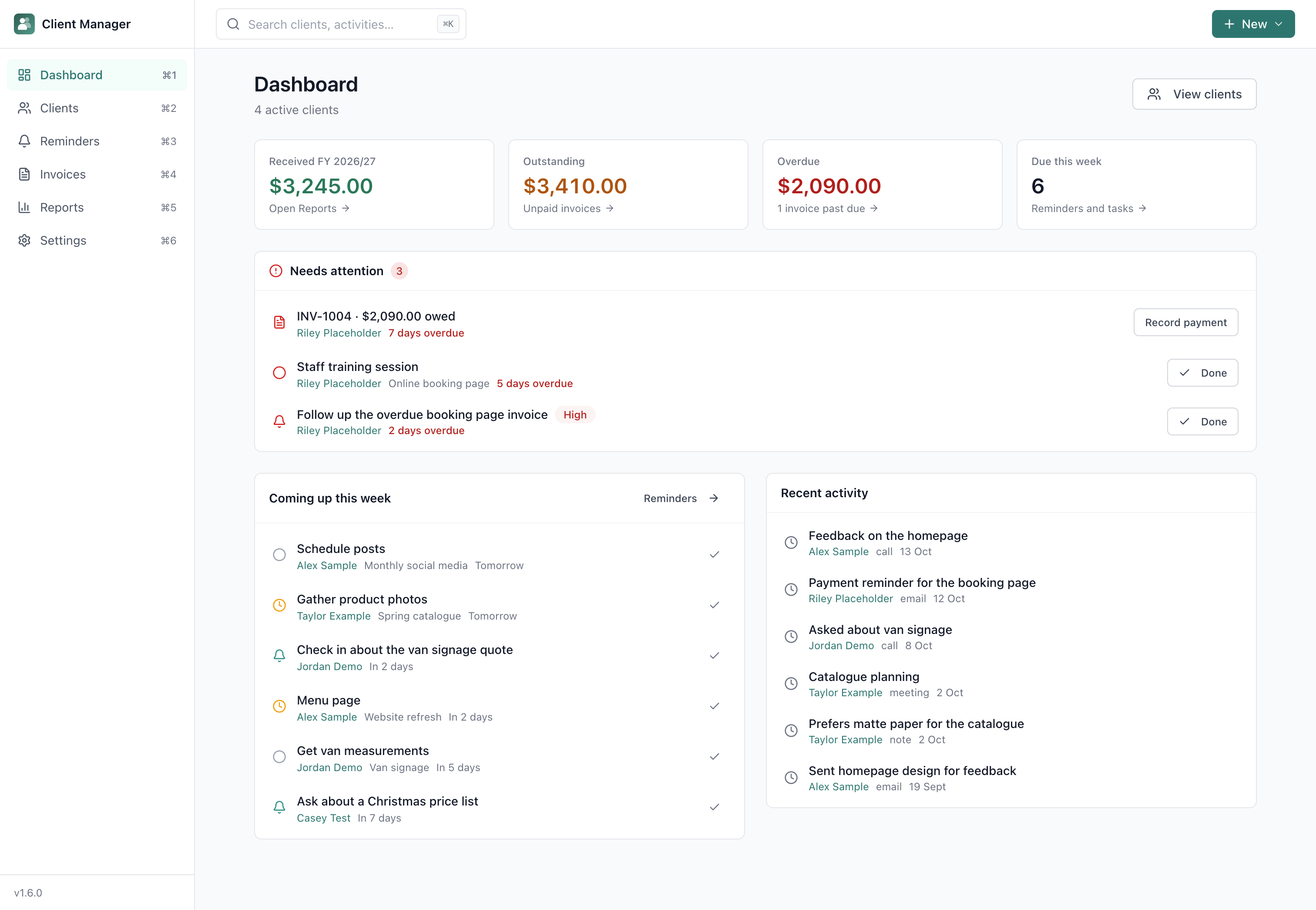 Business & Client Work · $29 USD one-time
Client Manager
Business & Client Work · $29 USD one-time
Client Manager
Keep clients, jobs, invoices and reminders organised. Your records save on your Mac, with no app account required.
Explore app →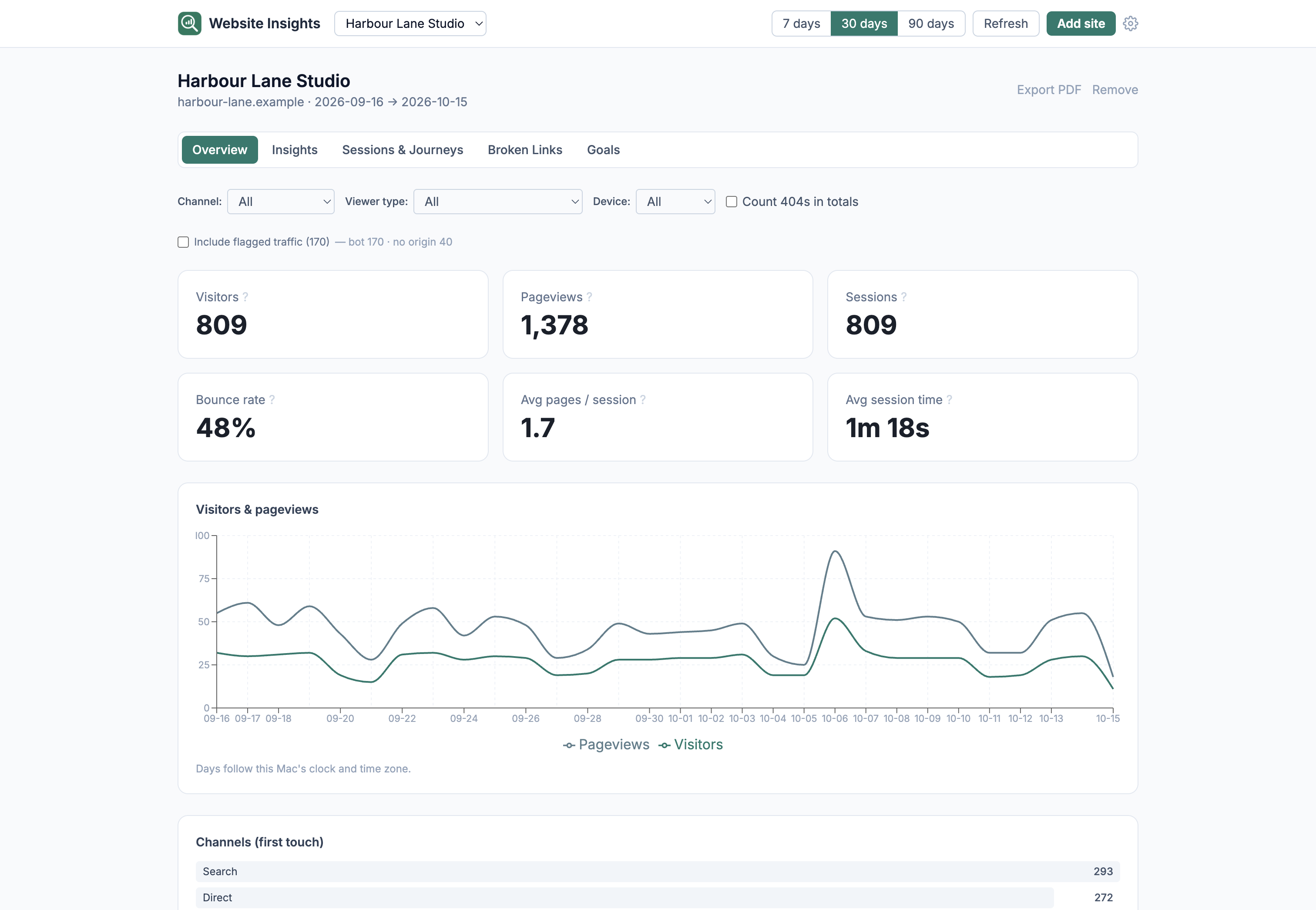 Business & Client Work · Members only · Experimental
Website Insights
Business & Client Work · Members only · Experimental
Website Insights
See which pages work, where visitors come from and which links are broken, from a cookieless collector on your own hosting. Visits sync to a local database on your Mac.
Explore app →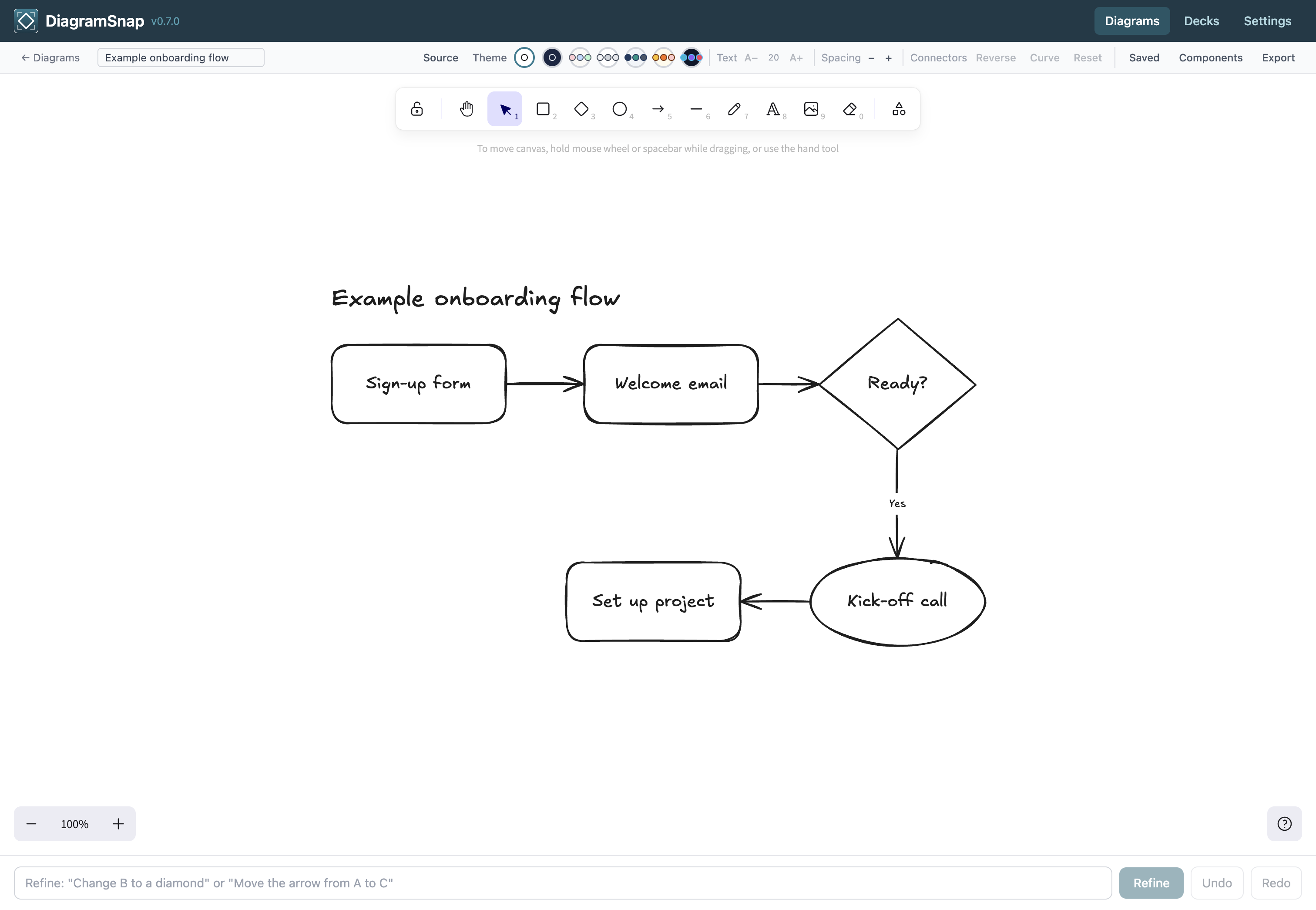 Ideas & Organisation · $29 USD one-time
DiagramSnap
Ideas & Organisation · $29 USD one-time
DiagramSnap
Turn ideas into clean diagrams and branded slide decks. Present directly from the app, export PDFs, and keep project data on your Mac.
Explore app →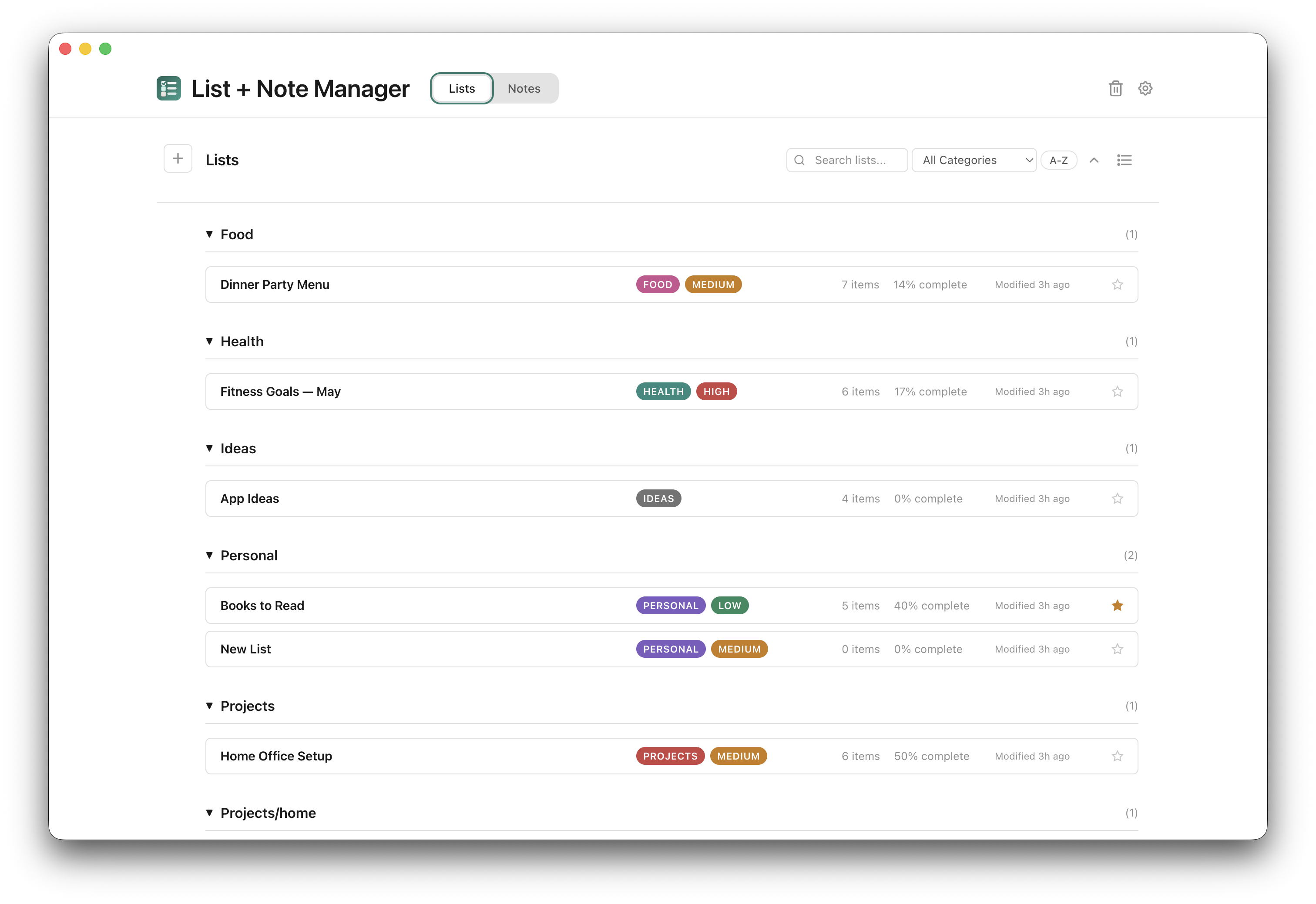 Ideas & Organisation · $15 USD one-time
Lists & Notes
Ideas & Organisation · $15 USD one-time
Lists & Notes
Write, organise and export notes and to-do lists offline. Saved on your Mac, with no app account required. Optional AI assistance when you are online.
Explore app →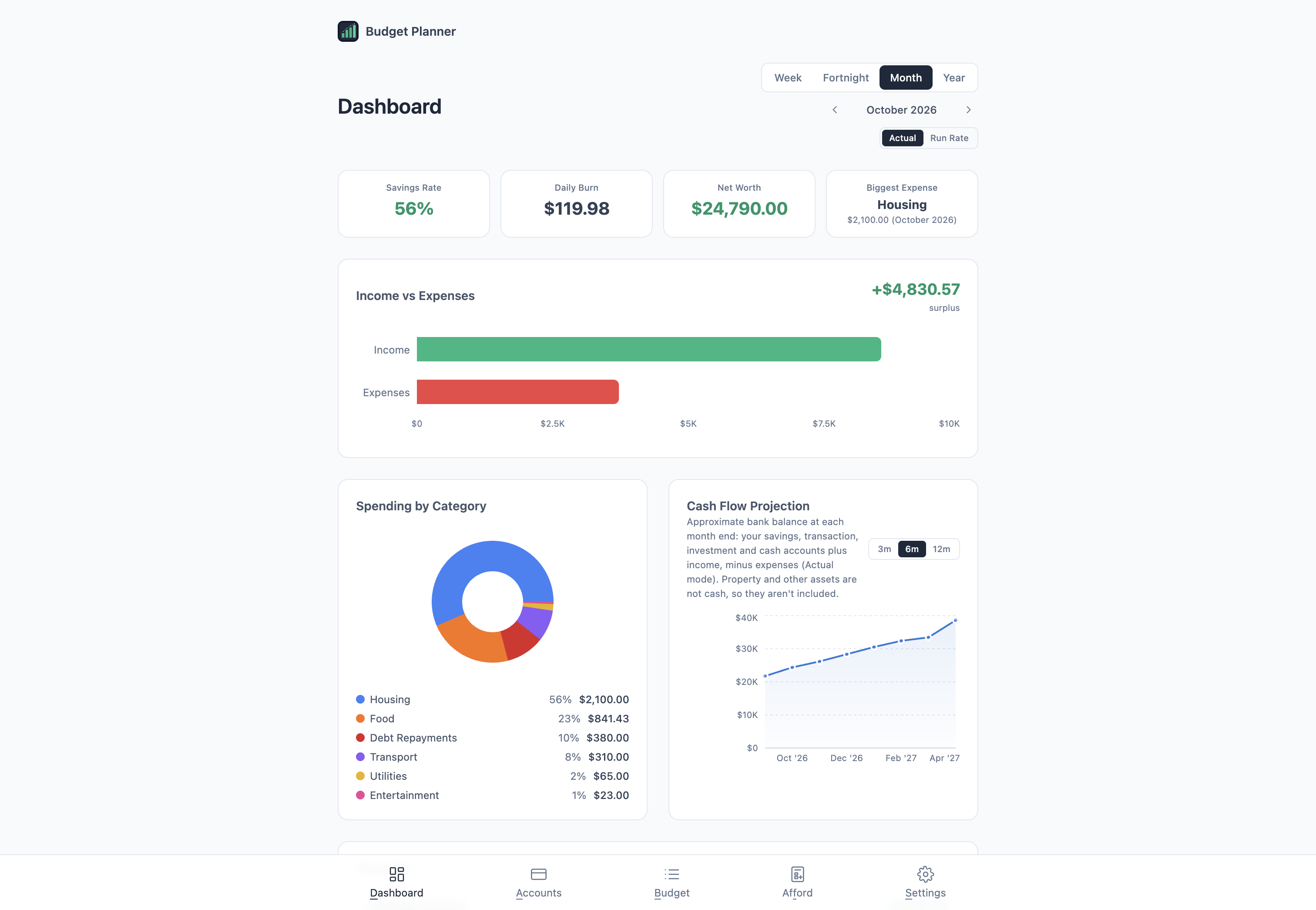 Home & Money · $29 USD one-time · New
Budget Planner
Home & Money · $29 USD one-time · New
Budget Planner
Plan income, bills and everyday spending, and see what a loan or big purchase would do to your budget. Saved on your Mac, with no bank login.
Explore app →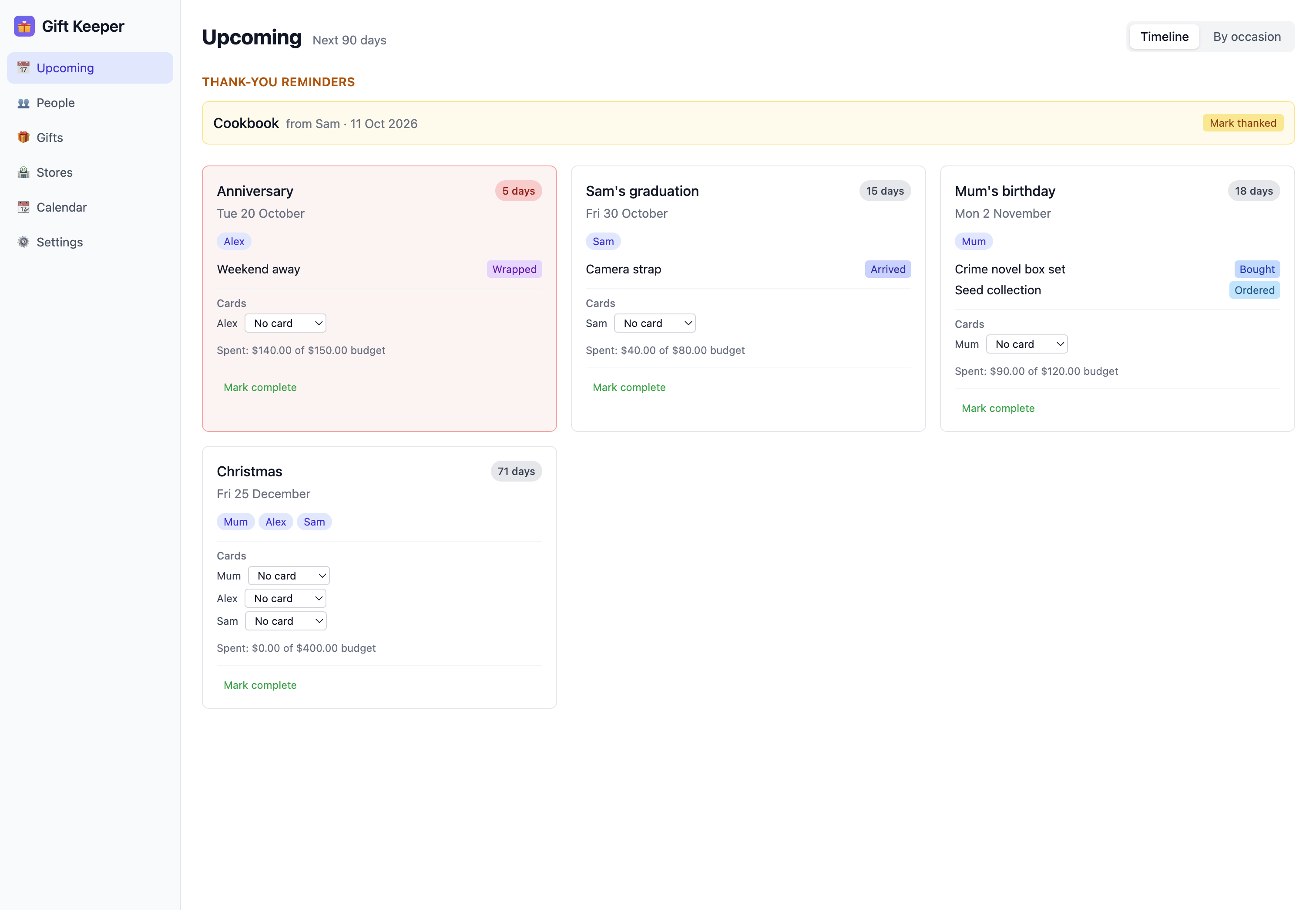 Home & Money · $15 USD one-time
Gift Keeper
Home & Money · $15 USD one-time
Gift Keeper
Plan thoughtful gifts, remember birthdays and check what you gave last year. Your plans save on your Mac, with no app account required.
Explore app →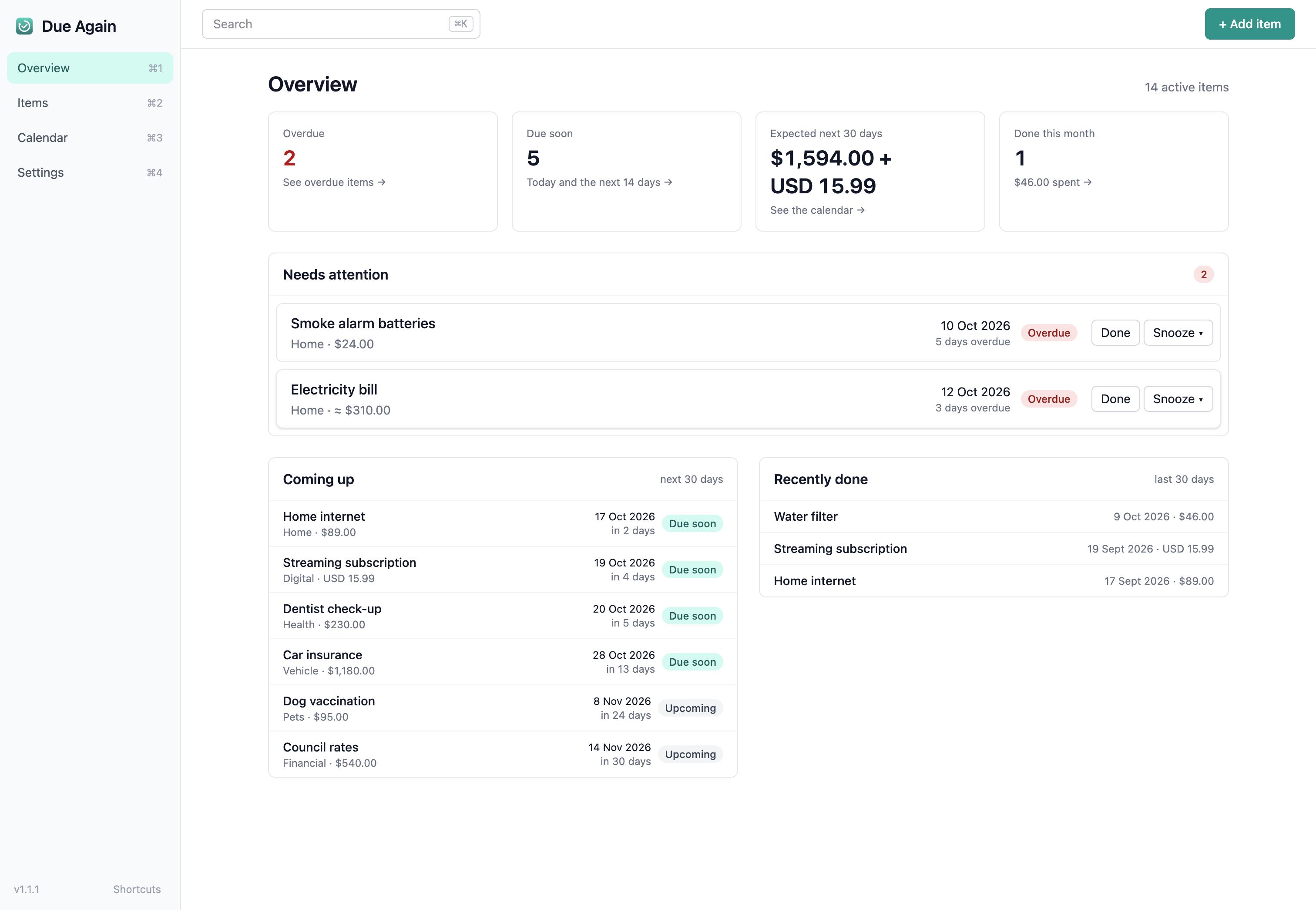 Home & Money · $15 USD one-time · New
Due Again
Home & Money · $15 USD one-time · New
Due Again
Track your renewals, see the expected costs for the year ahead, and get reminders through Apple Reminders.
Explore app →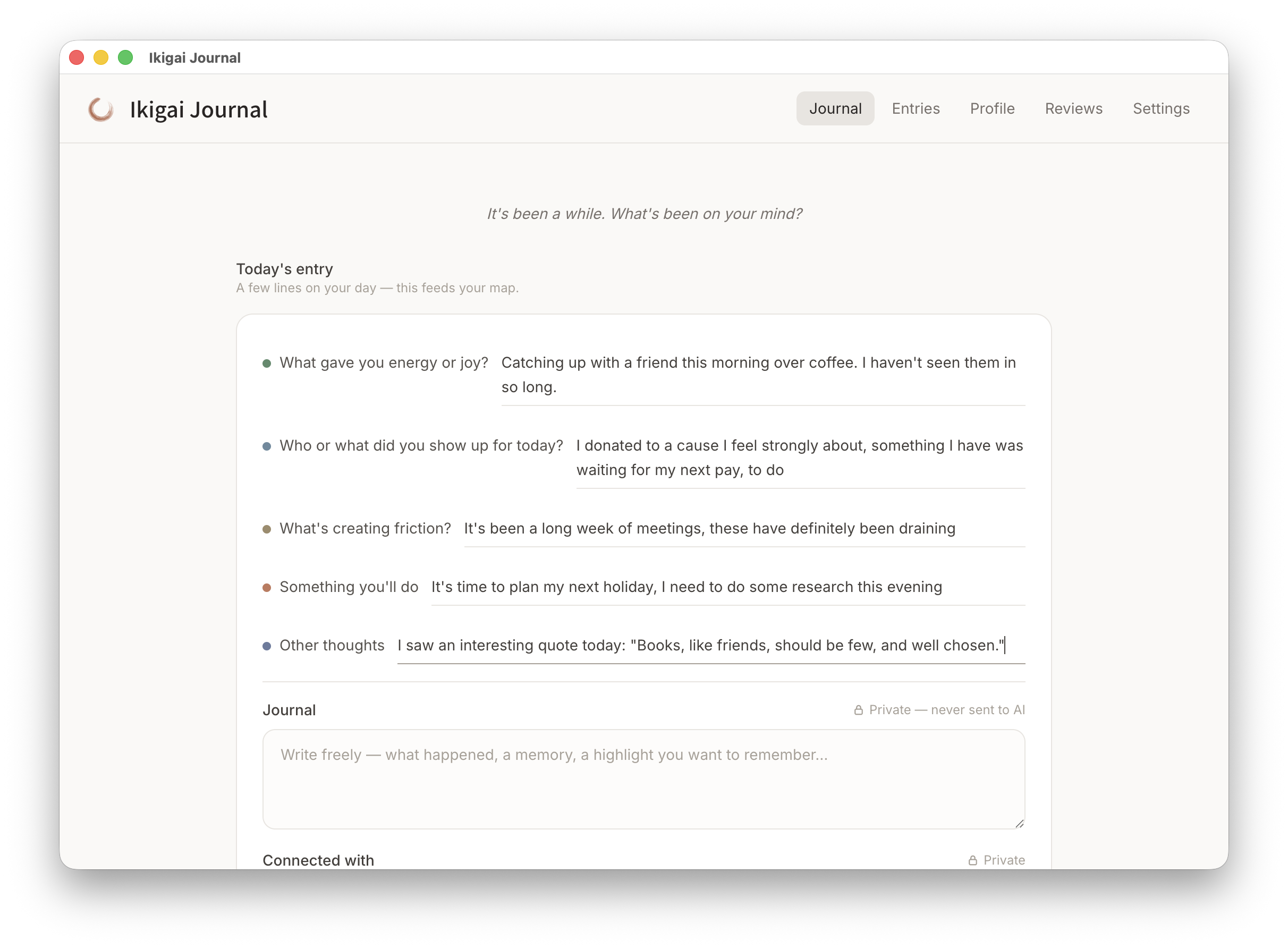 Reflection & Growth · Free download
Ikigai Journal
Reflection & Growth · Free download
Ikigai Journal
Notice what gives you energy, what creates friction, and what you want to change. One minute a day builds a private, living purpose map on your Mac.
Explore app →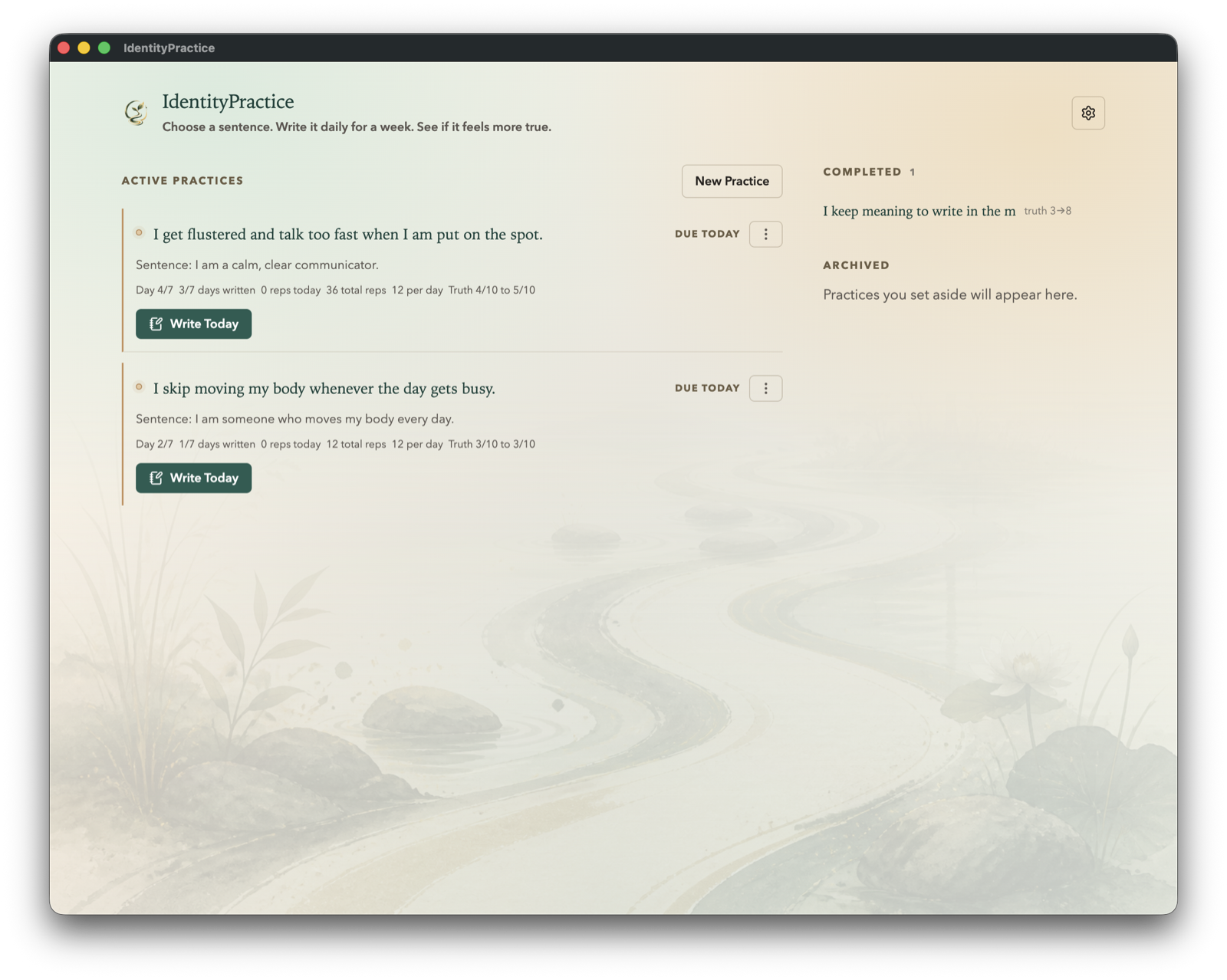 Reflection & Growth · Members only · Experimental
IdentityPractice
Reflection & Growth · Members only · Experimental
IdentityPractice
Choose who you want to become, support it with one sentence a day, and notice whether that identity begins to feel more true over seven days.
Explore app → Reading & Discovery · $15 USD one-time
Mindful Reader
Reading & Discovery · $15 USD one-time
Mindful Reader
Read 3 articles at a time, across your feeds, with no inbox pressure. Impact ratings help you keep the feeds that matter and drop the ones that don't.
Explore app →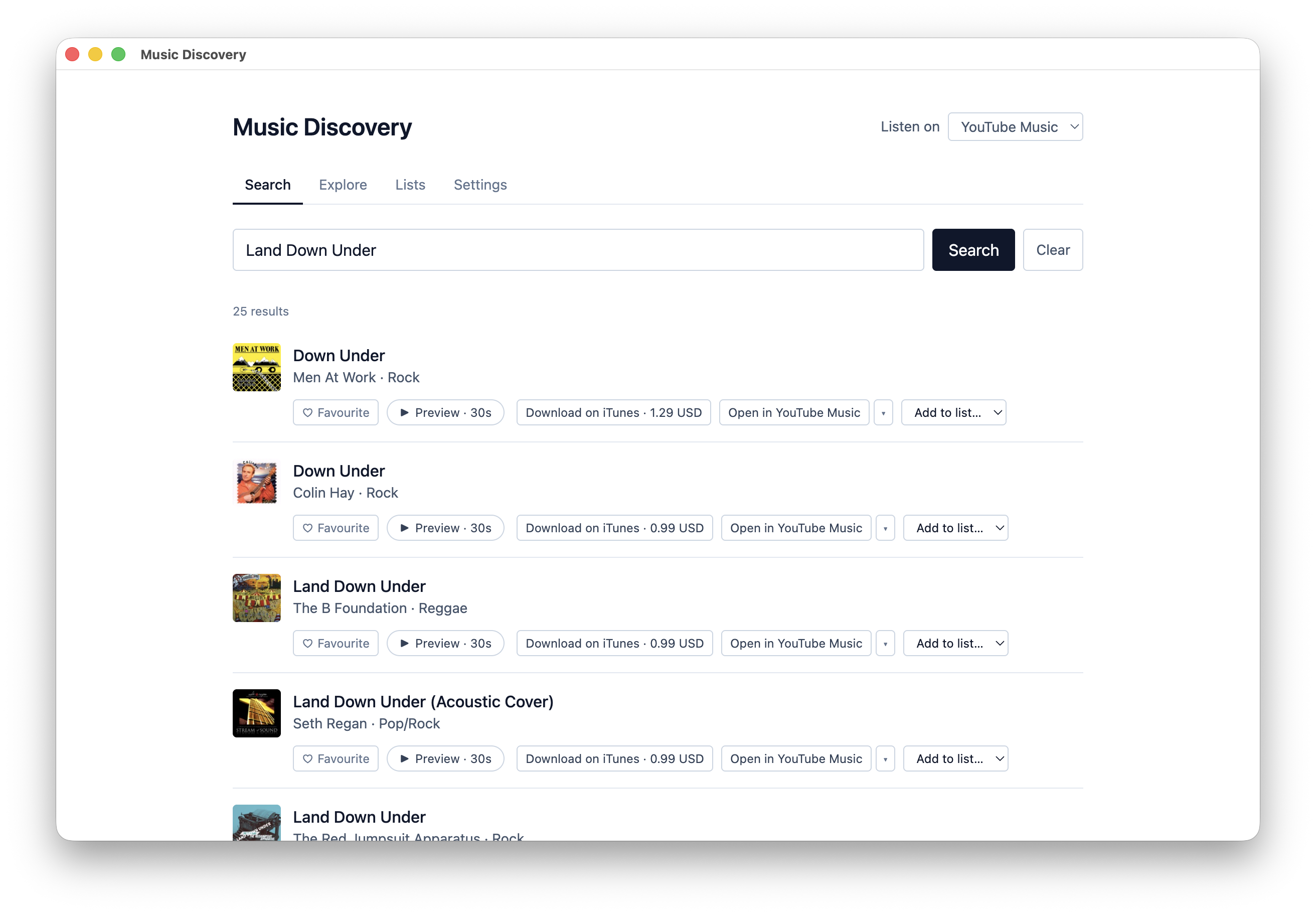 Reading & Discovery · Members only
Music Discovery
Reading & Discovery · Members only
Music Discovery
Follow a thread from one artist to the next, keep promising discoveries in lists, and listen through the music services you already use.
Explore app →Want more than one?
The $49 USD a year membership includes all twelve apps, including IdentityPractice and Music Discovery, which are only available to members.
Manage your day to day through a chat
Your data lives in the apps on your Mac, and the Tiong Creative assistant, an MCP server, lets an AI assistant such as Claude Desktop, Claude Code or ChatGPT desktop use it while the app is open. I'd set the apps up the usual way first, and after that, asking your assistant what's on this week, or to save a gift idea, add a task, add items to a list, check upcoming payments, compare budget scenarios, or create a diagram or slide deck, is a good option for the day to day.
It works with Due Again, Gift Keeper, Client Manager, Lists & Notes, Budget Planner and DiagramSnap. You turn on Assistant access in each app's Settings, and it uses your own AI account, so what it reads goes to that AI service. It's a standard MCP server that works with Claude Desktop, Claude Code and ChatGPT desktop, and other assistants that support MCP may be able to use it too. The setup steps are in the help centre, and the assistant itself is on npm and GitHub.
