Find your starting point

What would you like to do?

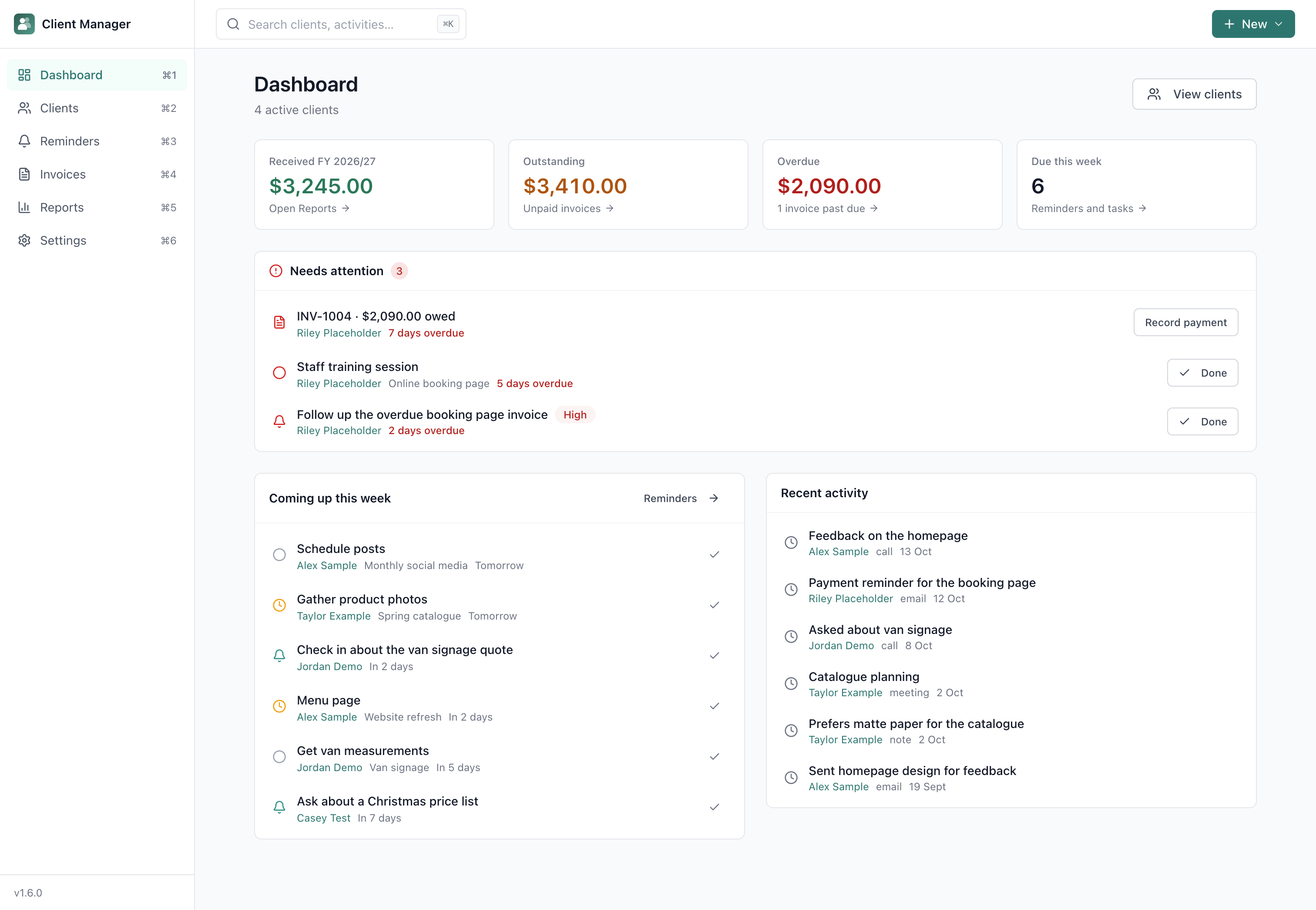
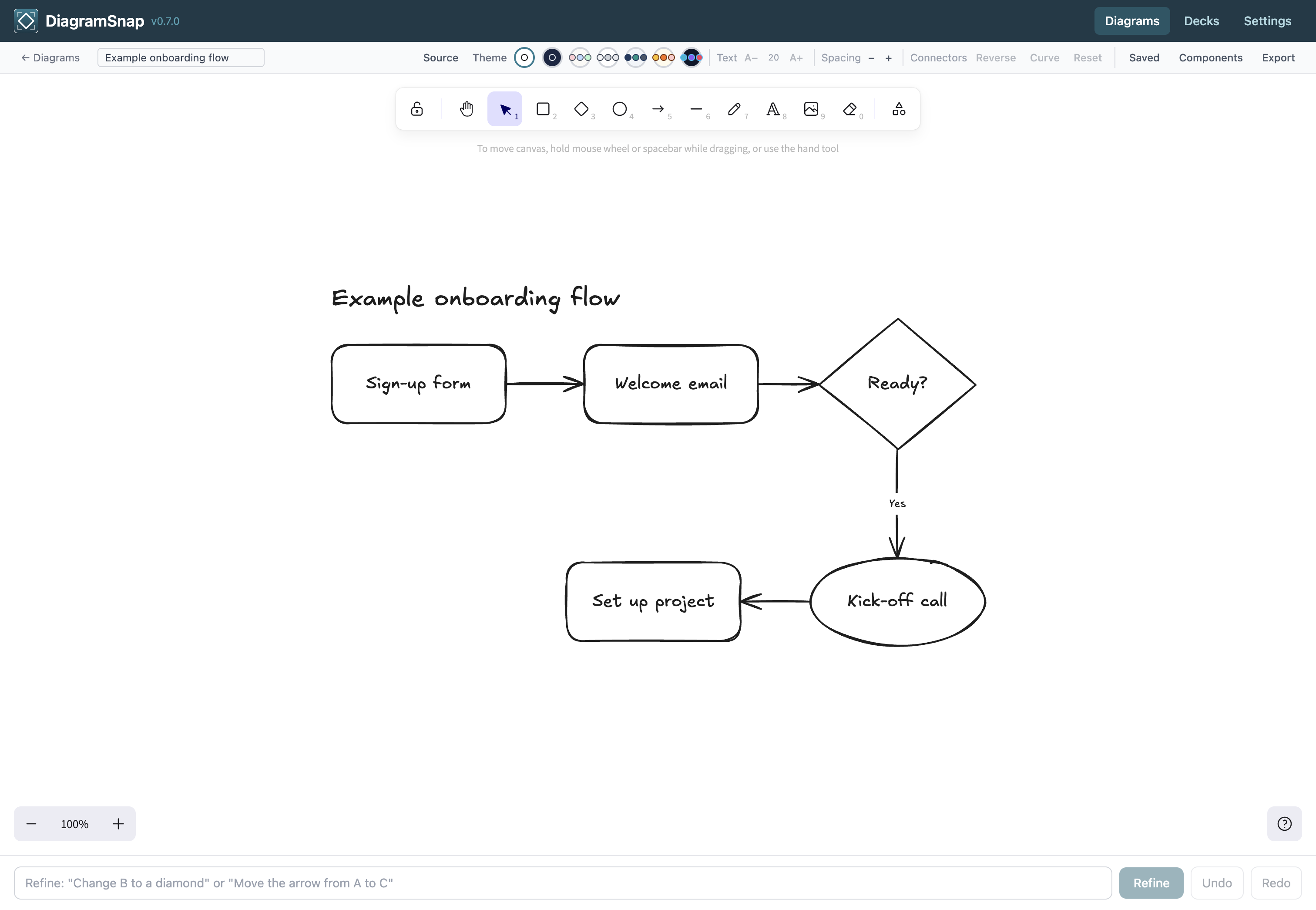
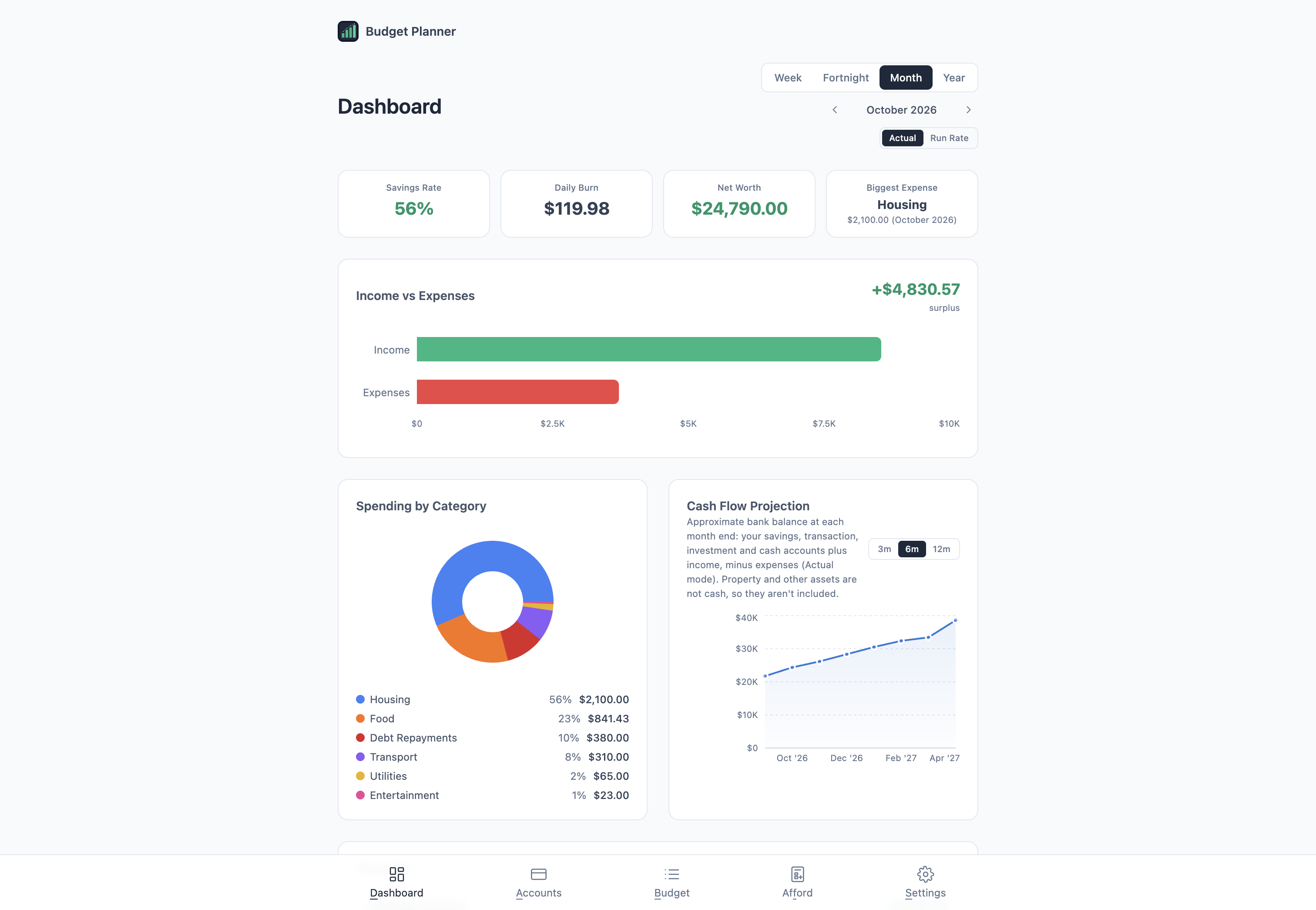
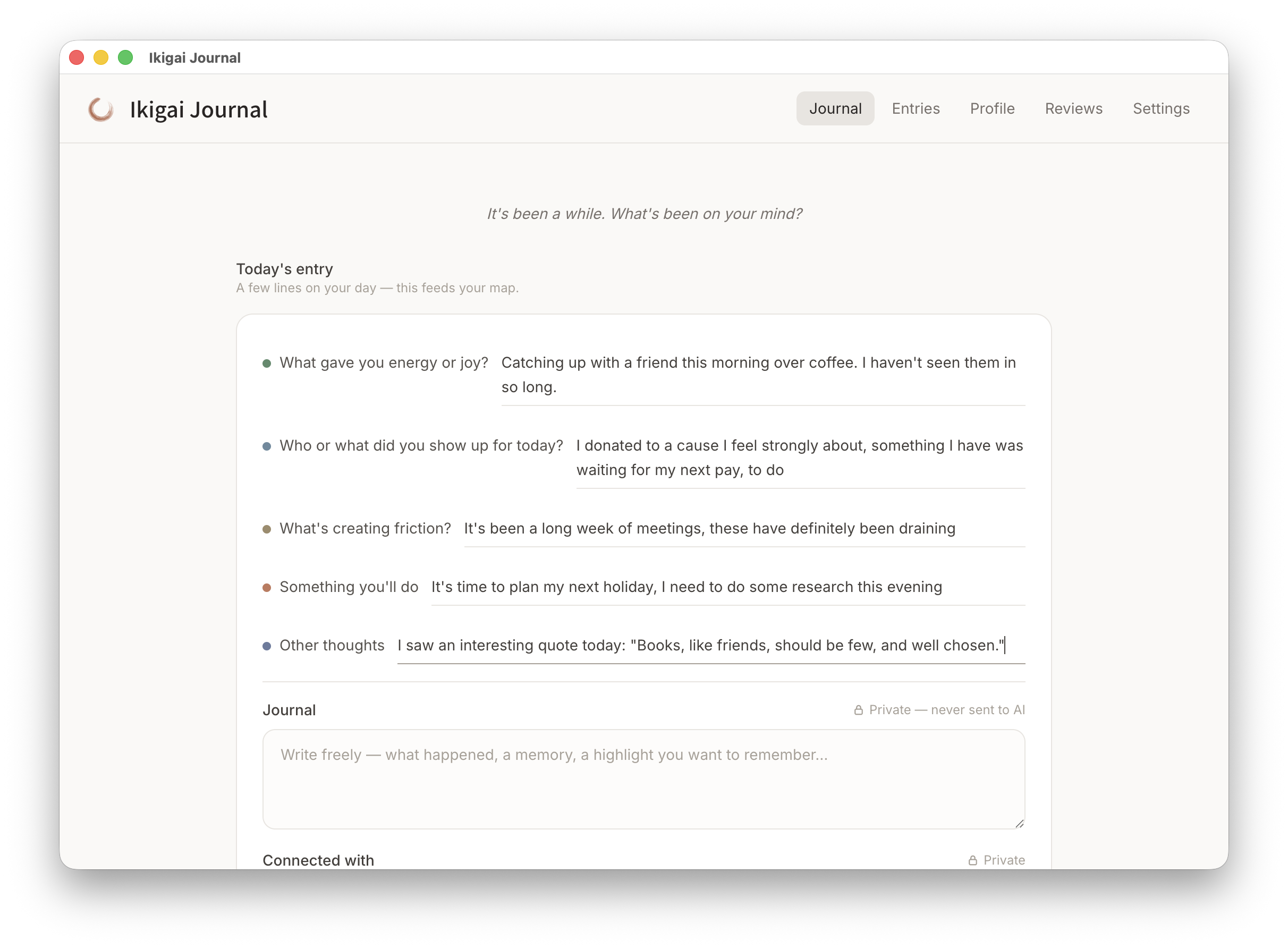
Eleven Mac apps, grouped by the part of life or work they make clearer. Manage clients, write notes and plan gifts offline, with no app account required, plus apps for reading, reflection and discovering new ideas. Buy the one you need outright, or get every app with the membership.

Business & Client Work

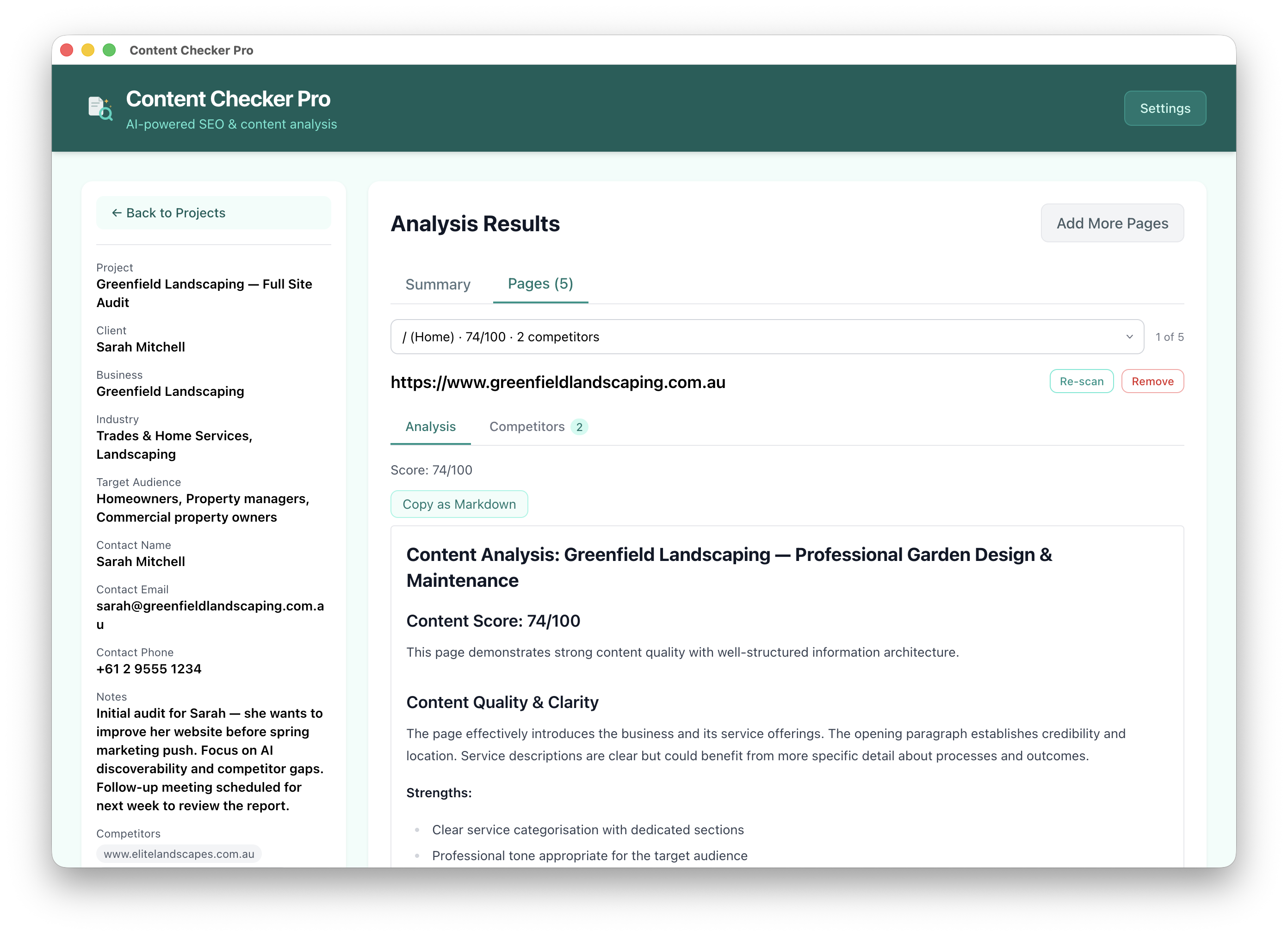
Run client work and produce clearer content audits.

See what each app does

Ideas & Organisation

Shape ideas, present them clearly, and keep the details organised.

See what each app does

Home & Money

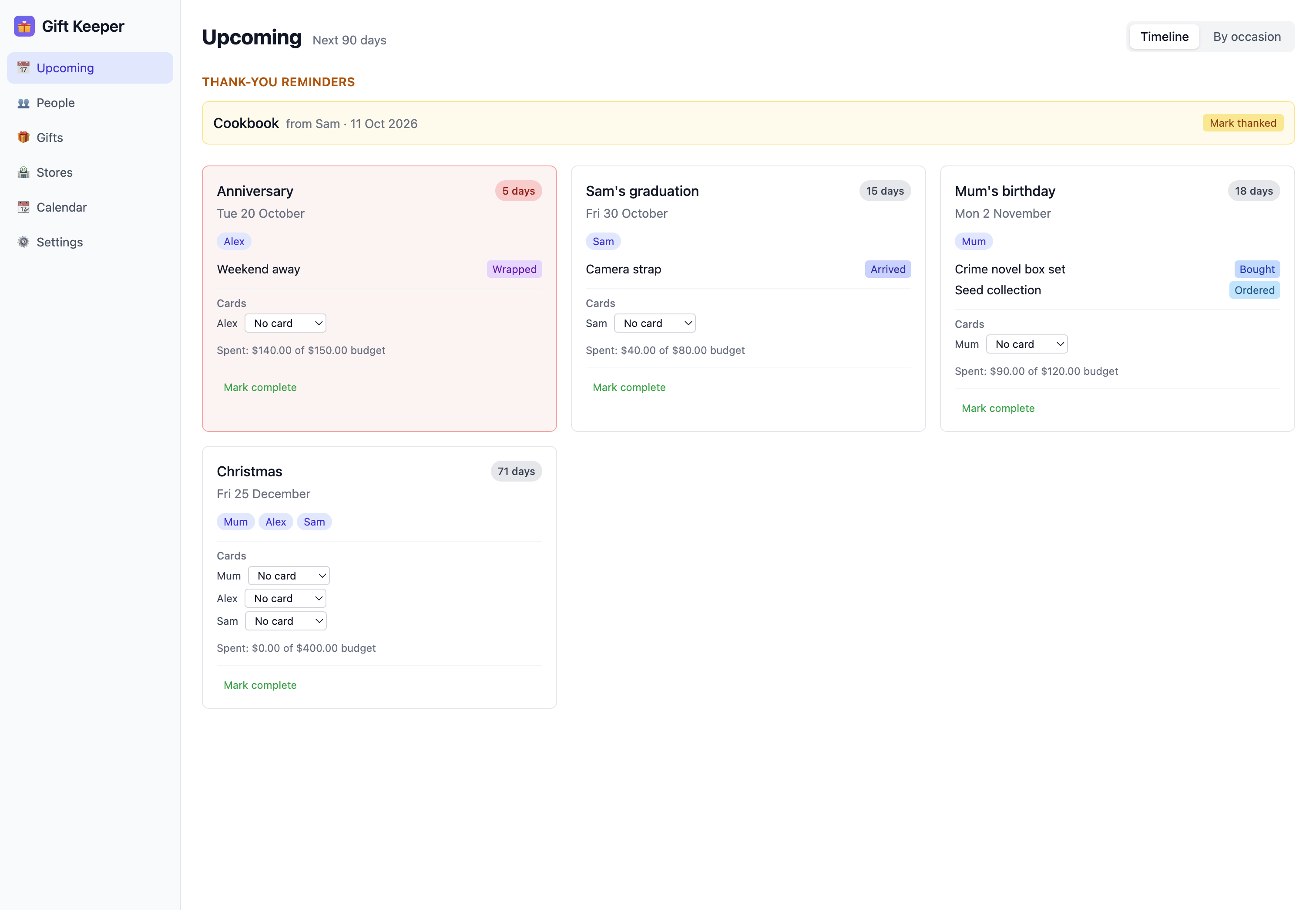
Plan gifts for the people in your life, keep track of renewals, and check your budget before a big decision.

See what each app does

Reflection & Growth

Build a thoughtful practice around purpose and personal change.

See what each app does

Reading & Discovery

Find worthwhile things to read and music you have not heard yet.

See what each app does
Inside the apps

See how the apps work before you buy.

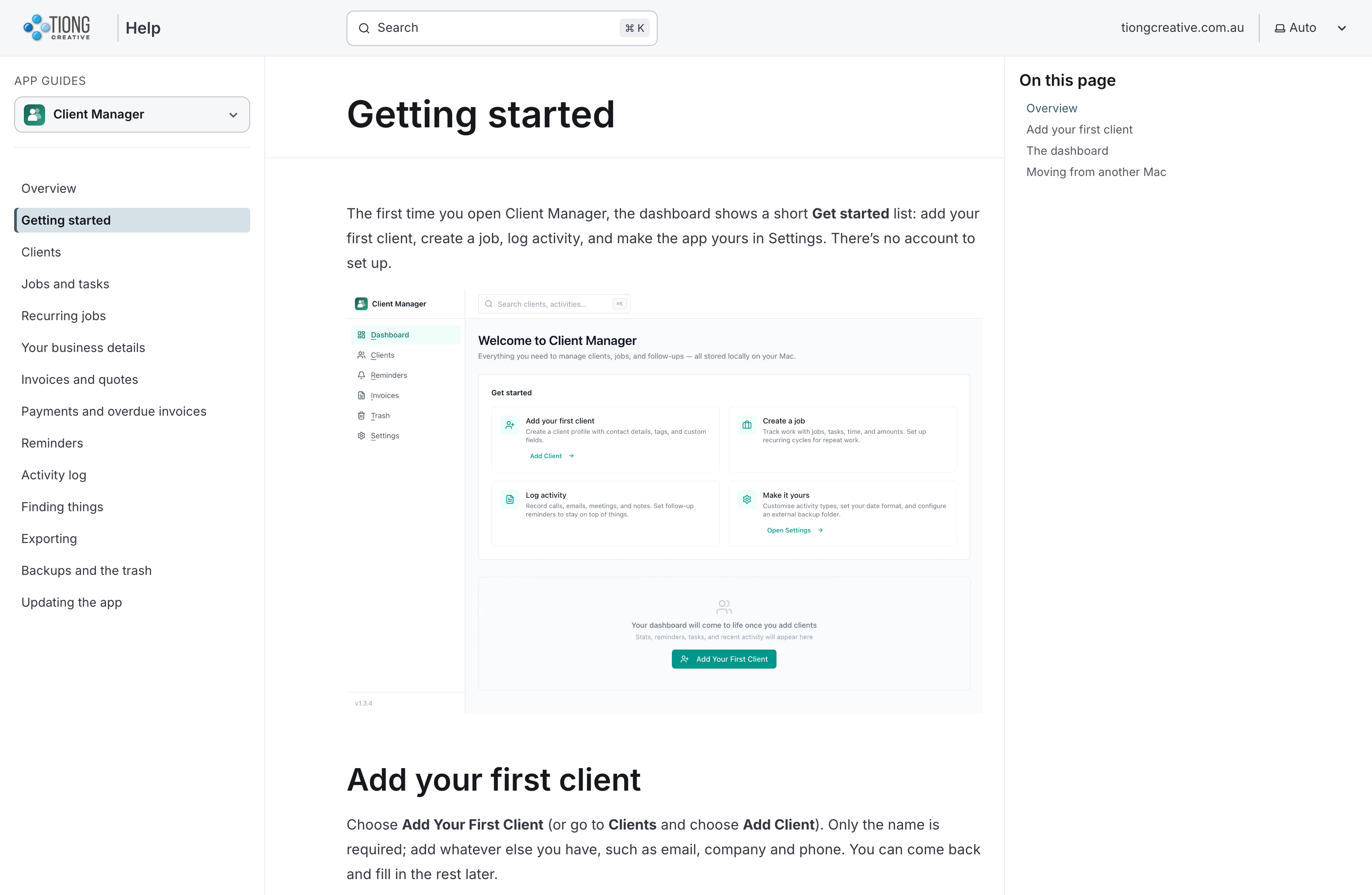
The help centre has short how-to guides with screenshots, from getting started to backups. Guides for Client Manager, Website Insights, DiagramSnap, Budget Planner, Due Again, Gift Keeper, Ikigai Journal, IdentityPractice, Lists & Notes and Mindful Reader are up so far, with more apps to come.

A help centre guide: Getting started with Client Manager, with the guide list and a screenshot of the app

Local-first. Privacy-first. Works offline.

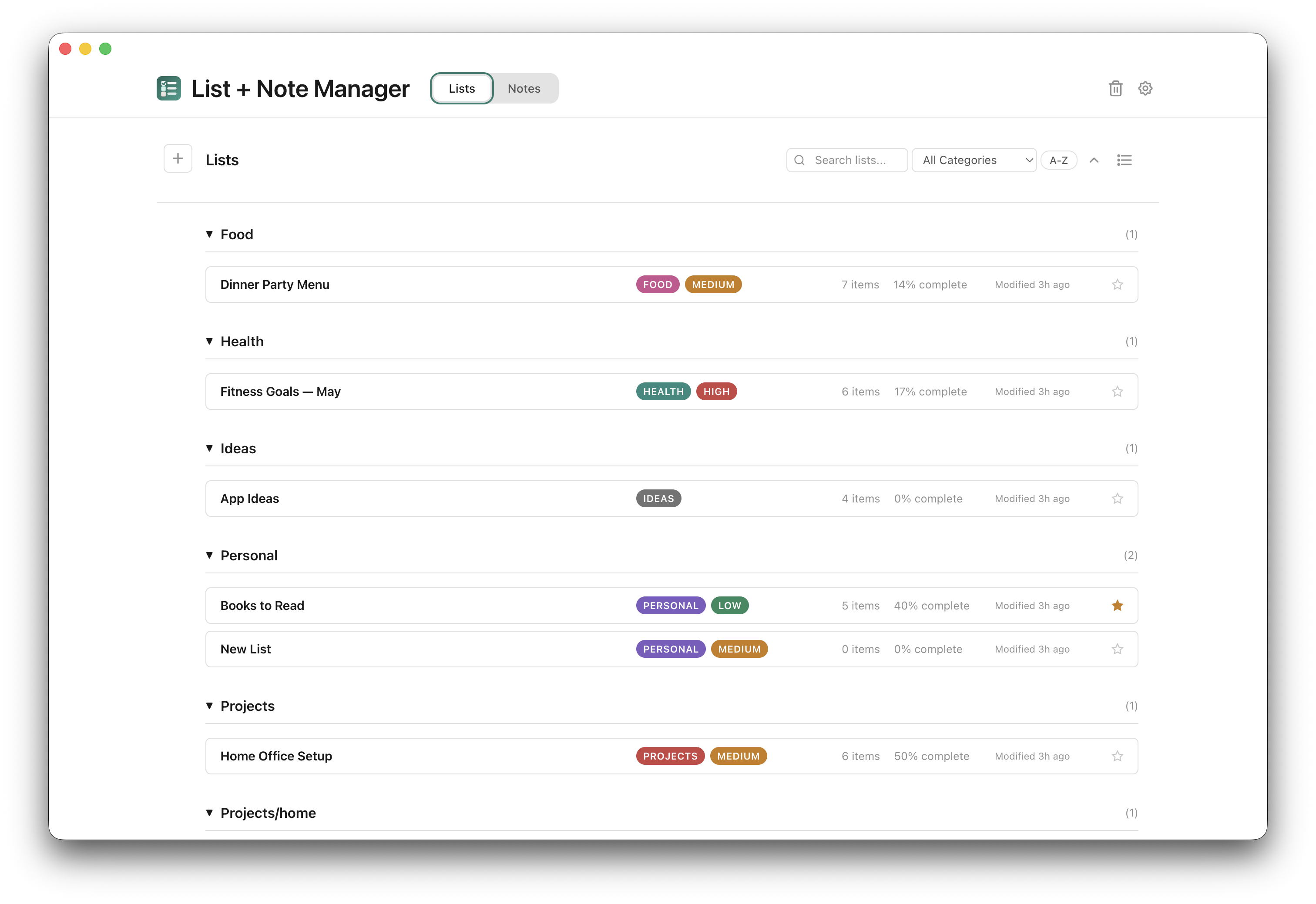
Local-first means your saved work lives on your Mac, under your control. Client Manager, Lists & Notes and Gift Keeper let you manage your everyday work offline, with no app account required. Records save directly to your computer. Features that fetch web content, discover music or use AI need internet, as do update checks and downloads. Each product page explains what its app needs.

The collection

One app, or every app.

$49 USD a year gets you every app. Bought separately, the 8 paid apps come to $176, and membership adds the members-only apps and anything new I release. Stop paying and the versions you downloaded during a paid membership period keep working.

  • Content Checker Pro
  • Client Manager
  • DiagramSnap
  • Gift Keeper
  • Due Again
  • Budget Planner
  • Lists & Notes
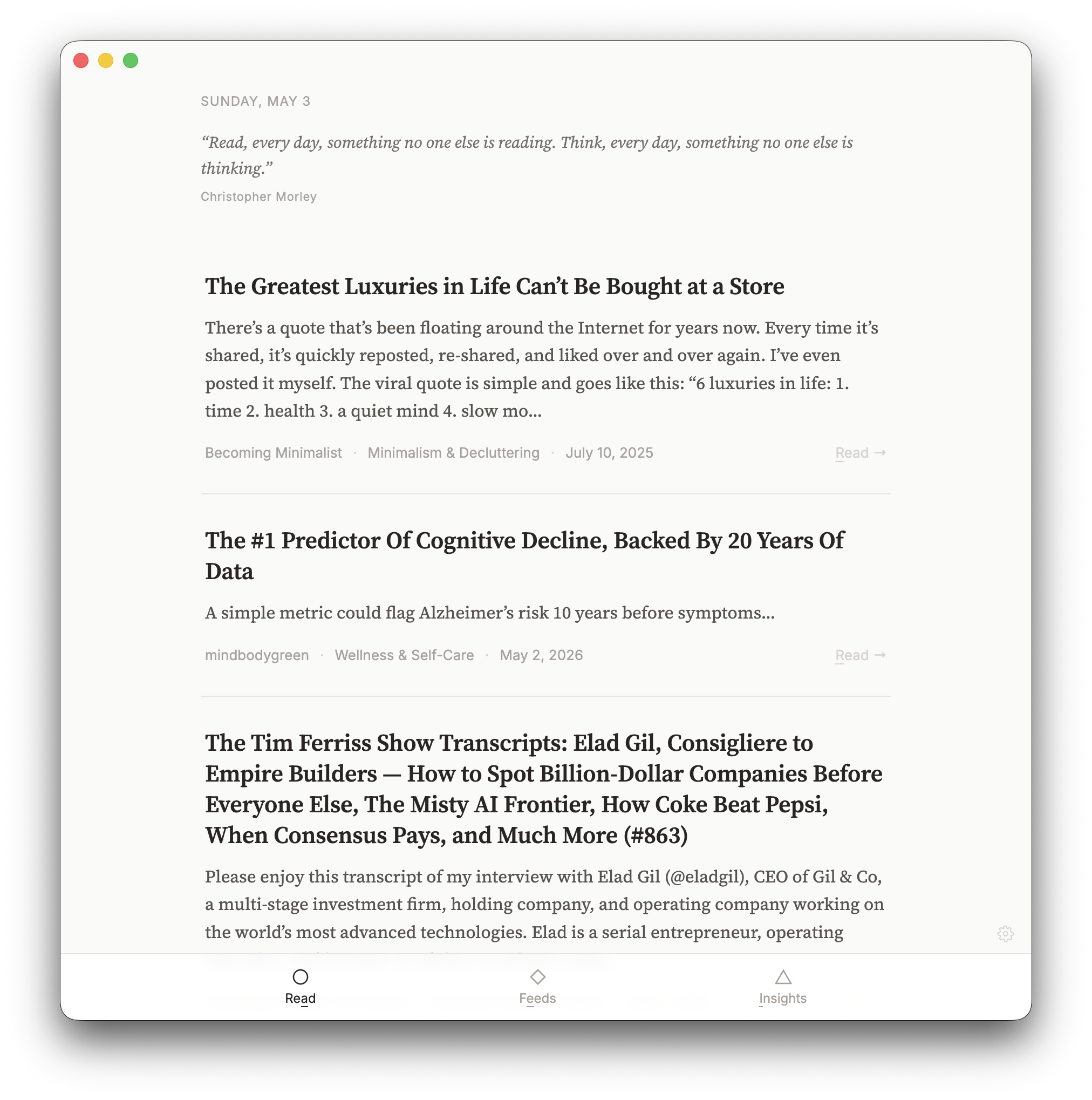
  • Mindful Reader
  • Ikigai Journal Free
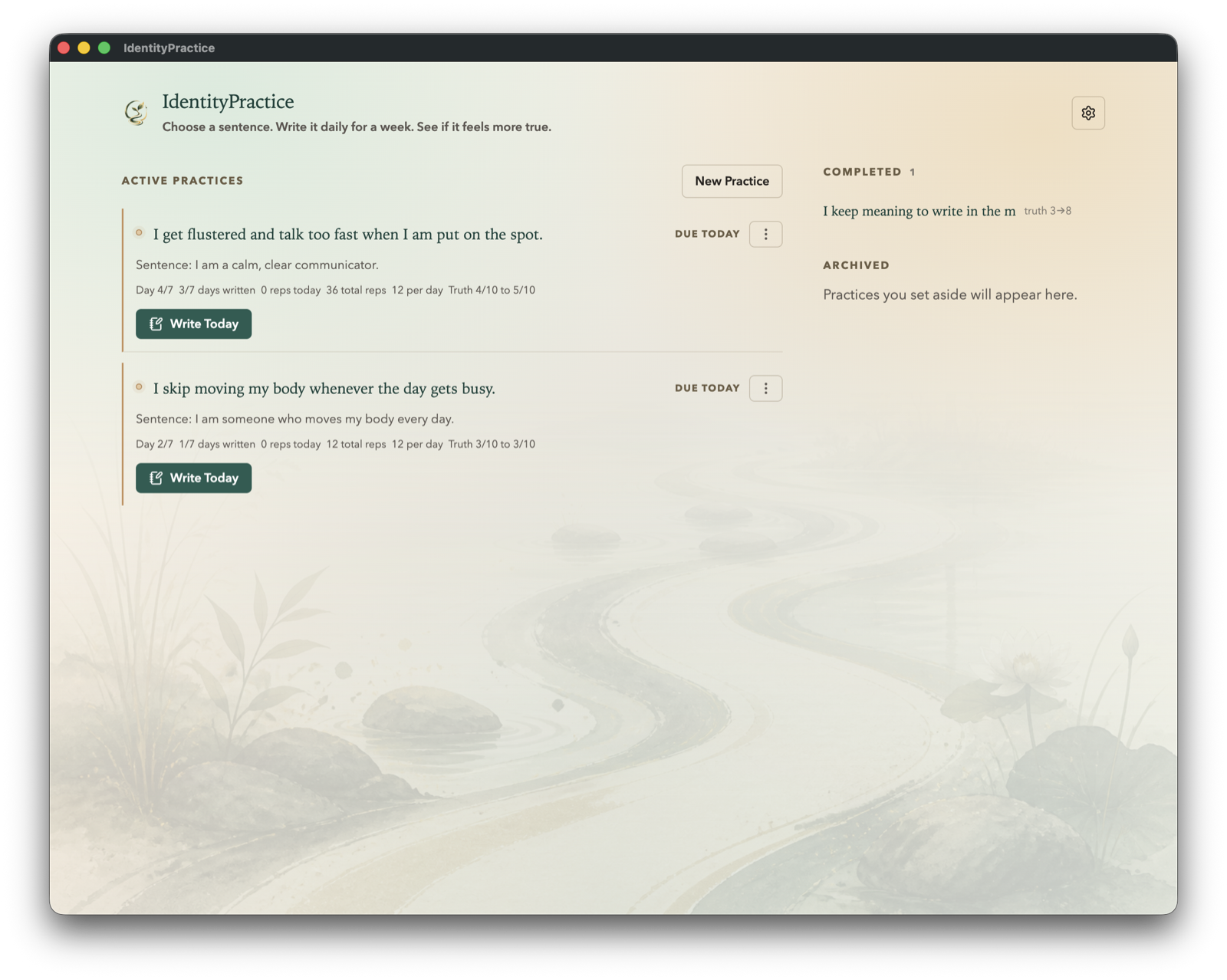
  • IdentityPractice Members only · Experimental
  • Website Insights Members only · Experimental
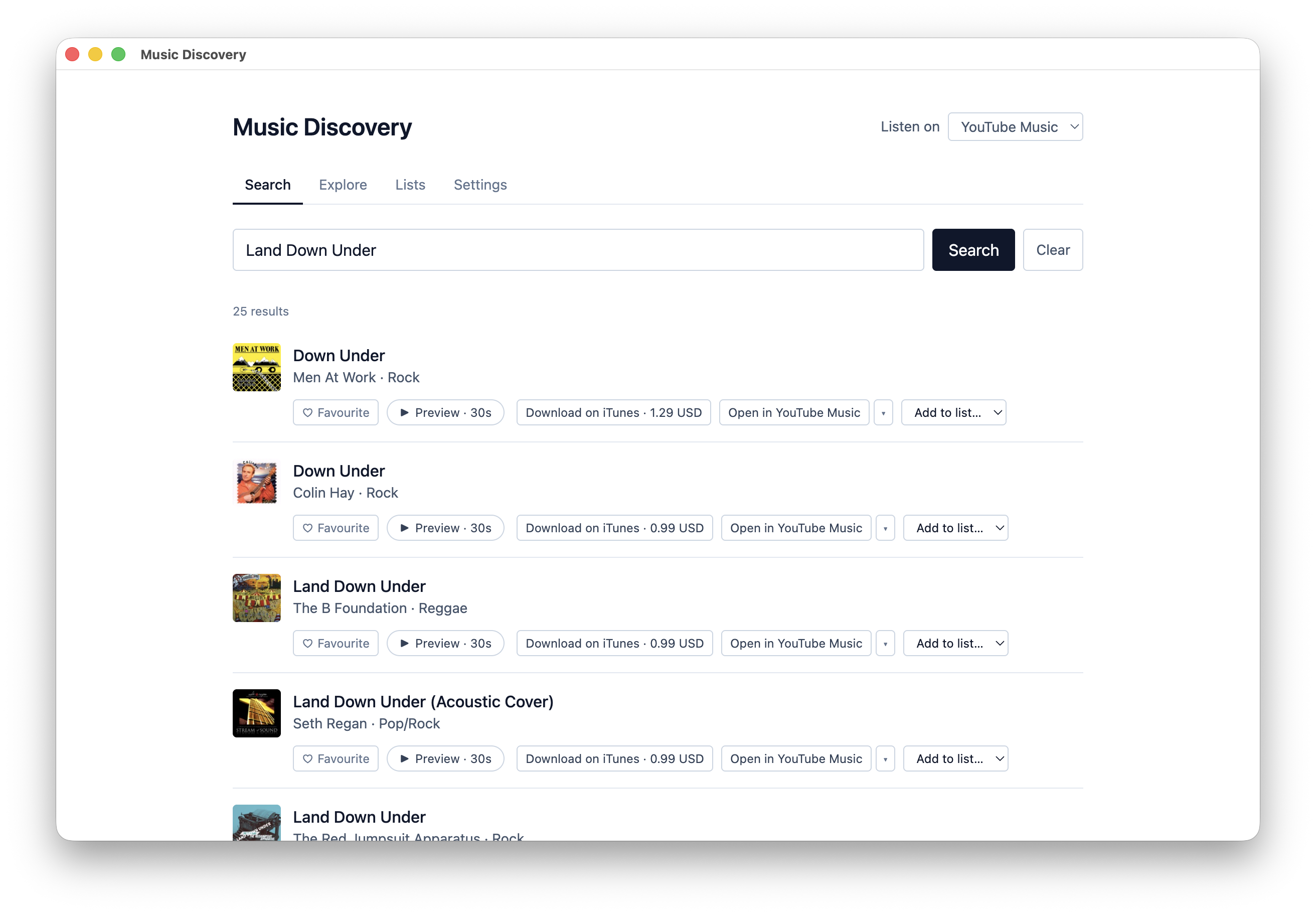
  • Music Discovery Members only
Chat with your apps

Manage your day to day through a chat

Your data lives in the apps on your Mac, and the Tiong Creative assistant, an MCP server, lets an AI assistant such as Claude Desktop, Claude Code or ChatGPT desktop use it while the app is open. I'd set the apps up the usual way first, and after that, asking your assistant what's coming up this week, or to save a gift idea, add a task, add items to a list, check upcoming payments, compare budget scenarios, or create a diagram or slide deck, is a good option for the day to day.

It works with Due Again, Gift Keeper, Client Manager, Lists & Notes, Budget Planner and DiagramSnap. You turn on Assistant access in each app's Settings, and it uses your own AI account, so what it reads goes to that AI service. It's a standard MCP server that works with Claude Desktop, Claude Code and ChatGPT desktop, and other assistants that support MCP may be able to use it too. The setup steps are in the help centre, and the assistant itself is on npm and GitHub.

Illustrative chat summarising items from Client Manager, Lists & Notes, Gift Keeper, Due Again, Budget Planner and DiagramSnap while the apps are open on a Mac.
The maker

Built by David Tiong

I have worked across product management, agency ownership, SaaS support and product enablement, and I am the person behind davidtiong.com. I built these apps to solve problems I kept running into, like messy content audits, noisy RSS feeds, and notes scattered across cloud apps I didn't trust. Each one is a tool I actually use. There is more about how I build them if you are curious.

More apps on the way, built around keeping your work on your own Mac.